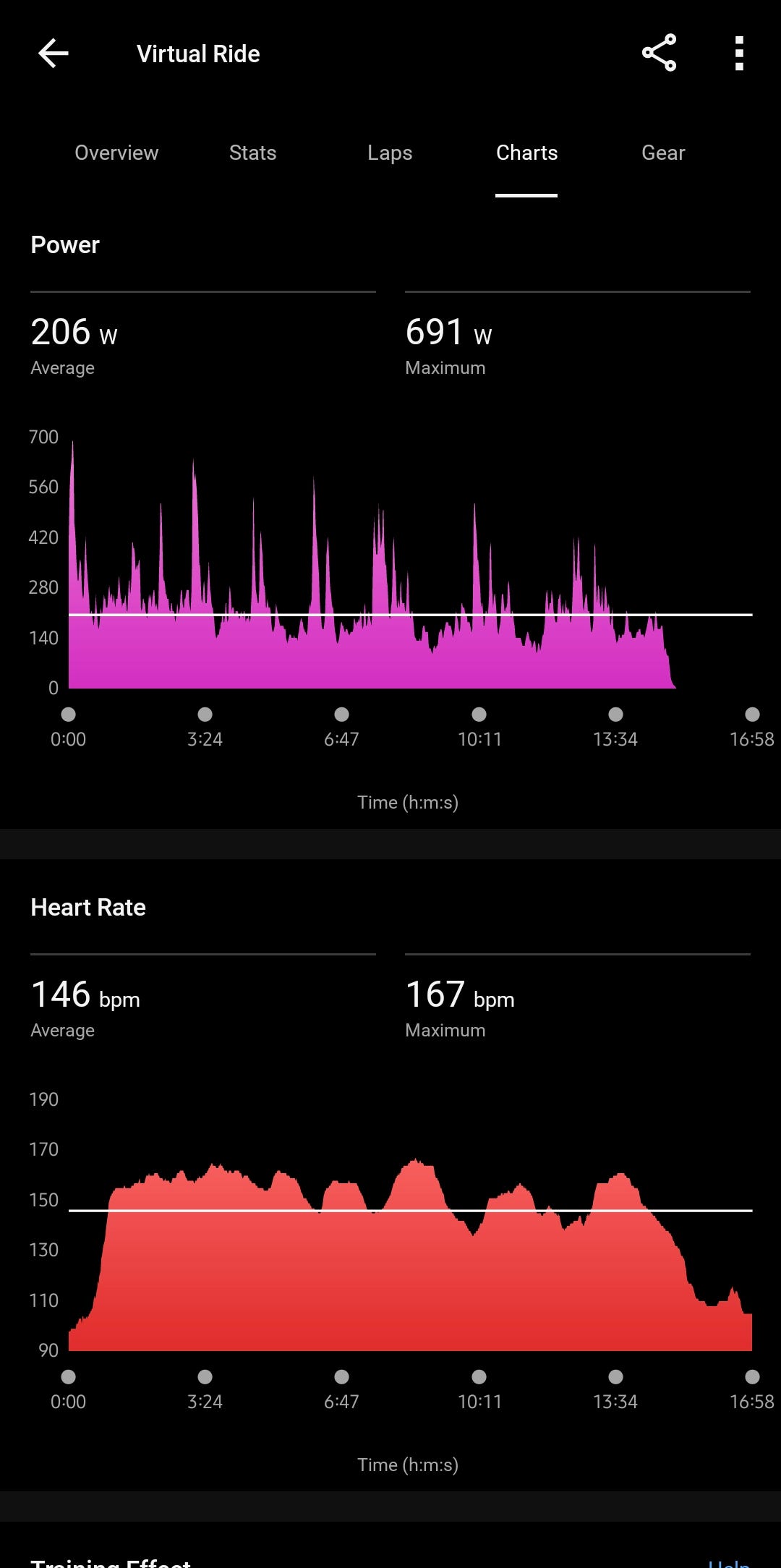
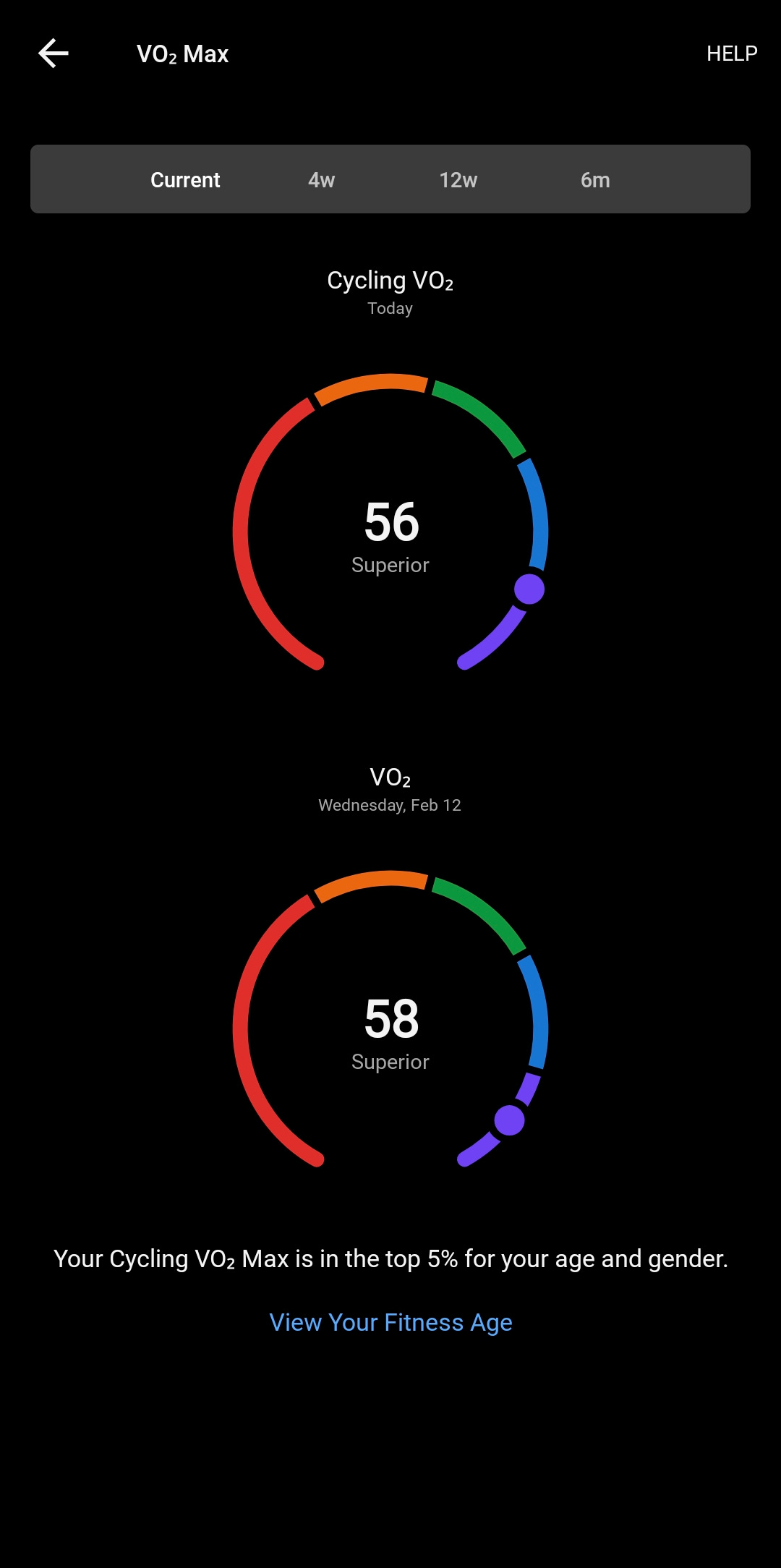
USING ZWIFT TO SYNC POWER DATA FROM ASSAULT BIKE PRO X TO GARMIN CONNECT & UPDATE GARMIN CYCLING VO2 MAX ESTIMATE
USING AN ASSAULT BIKE PRO X TO GET POWER DATA INTO GARMIN CONNECT

WHAT YOU NEED TO MAKE THIS WORK
Garmin account
Zwift account
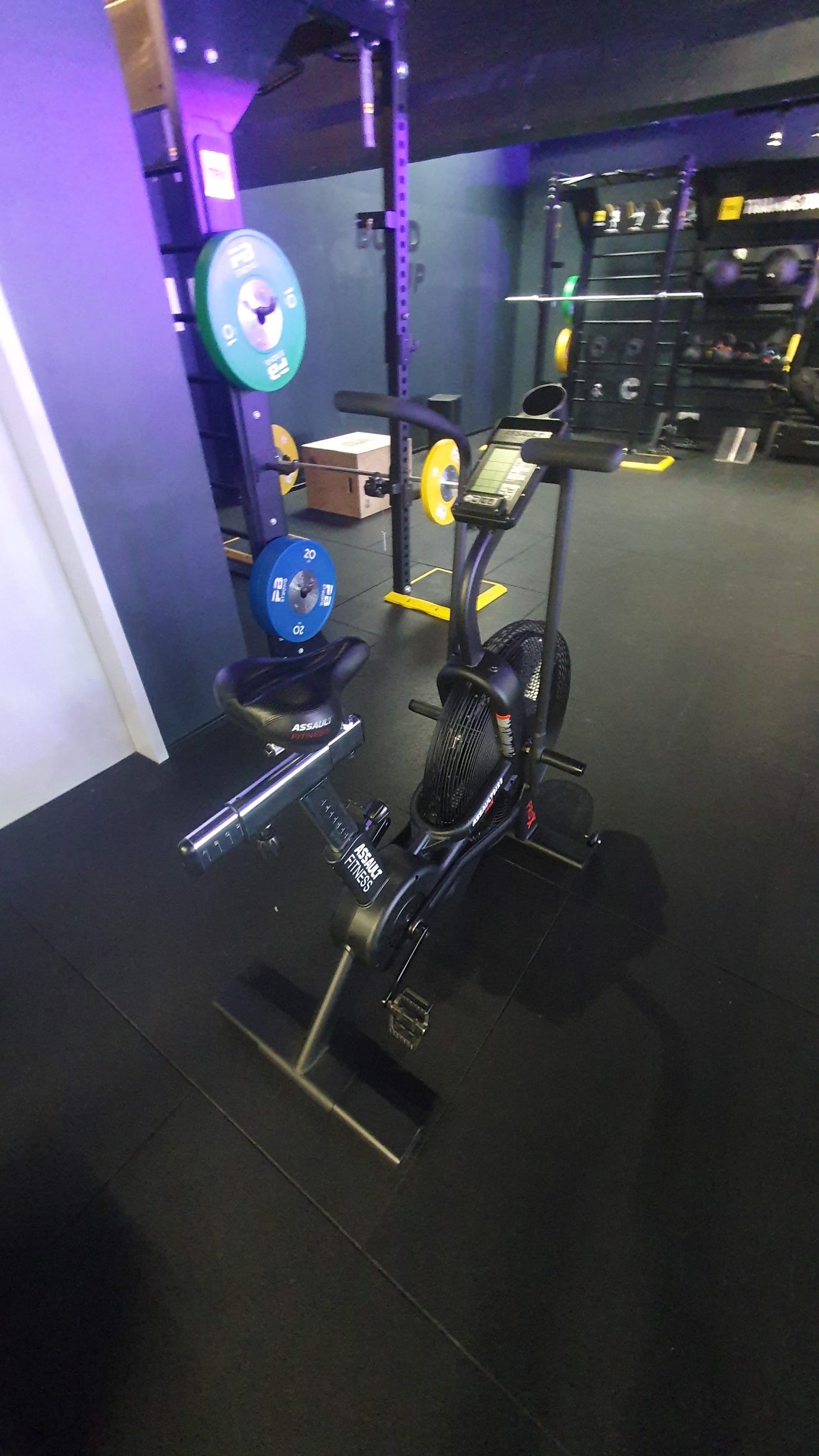
Assault Bike Pro X
Probably a heartrate monitor, either a chest strap or a watch with heartrate broadcast feature, that sends hr data to Zwift
TRANSFERING POWER DATA DIRECTLY TO GARMIN WATCH DOESN’T WORK
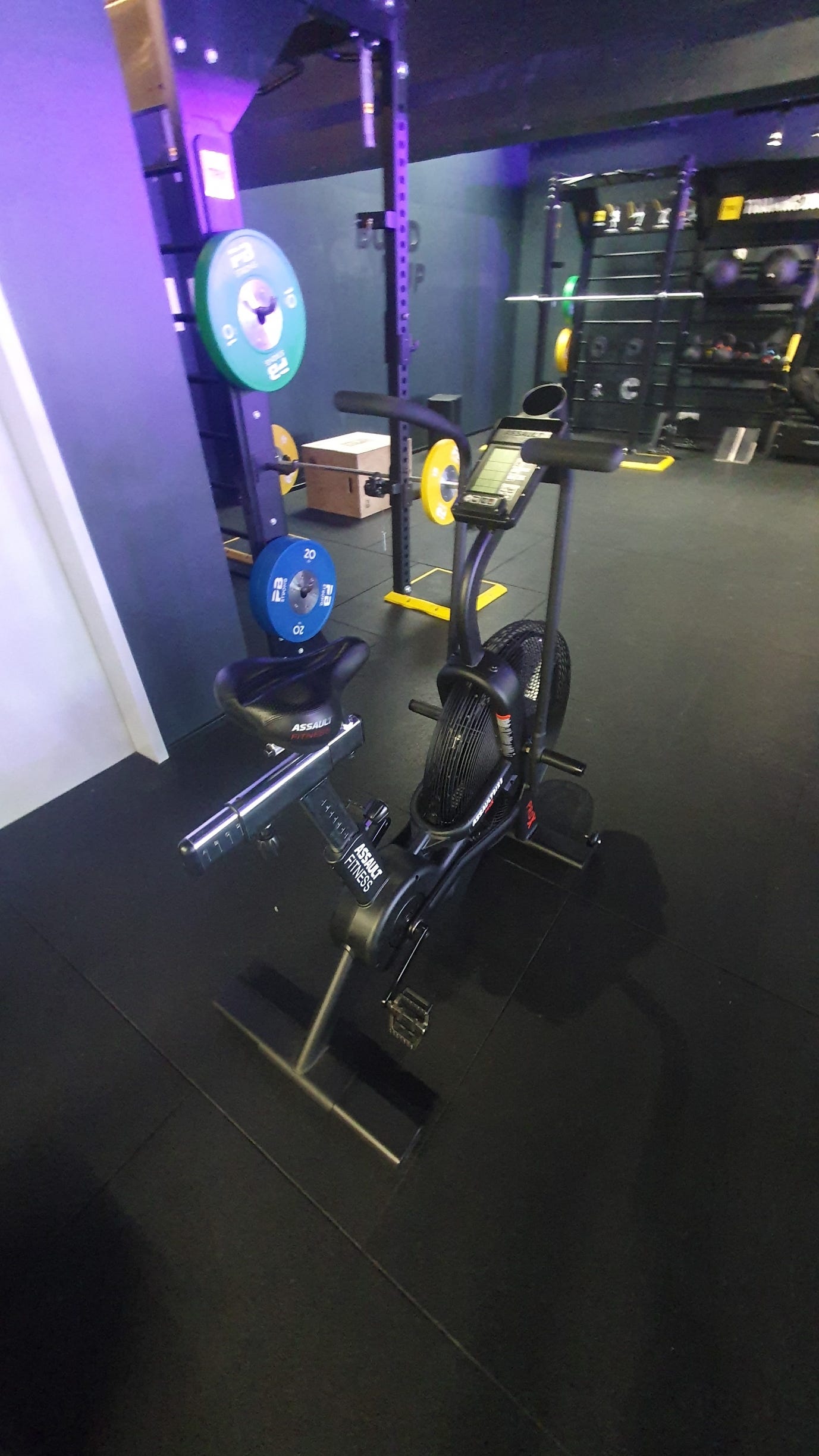
I tried to connect the Assault Bike Pro X (Two different ones in two different gyms I worked out) to my previously Garmin Fenix 6S Pro, now 7S Pro. The Assault Bike seems to not be found as a sensor. Both in the setting’s sensor search or using the Indoor Bike profile for sensor search, the Assault Bike can’t be found.
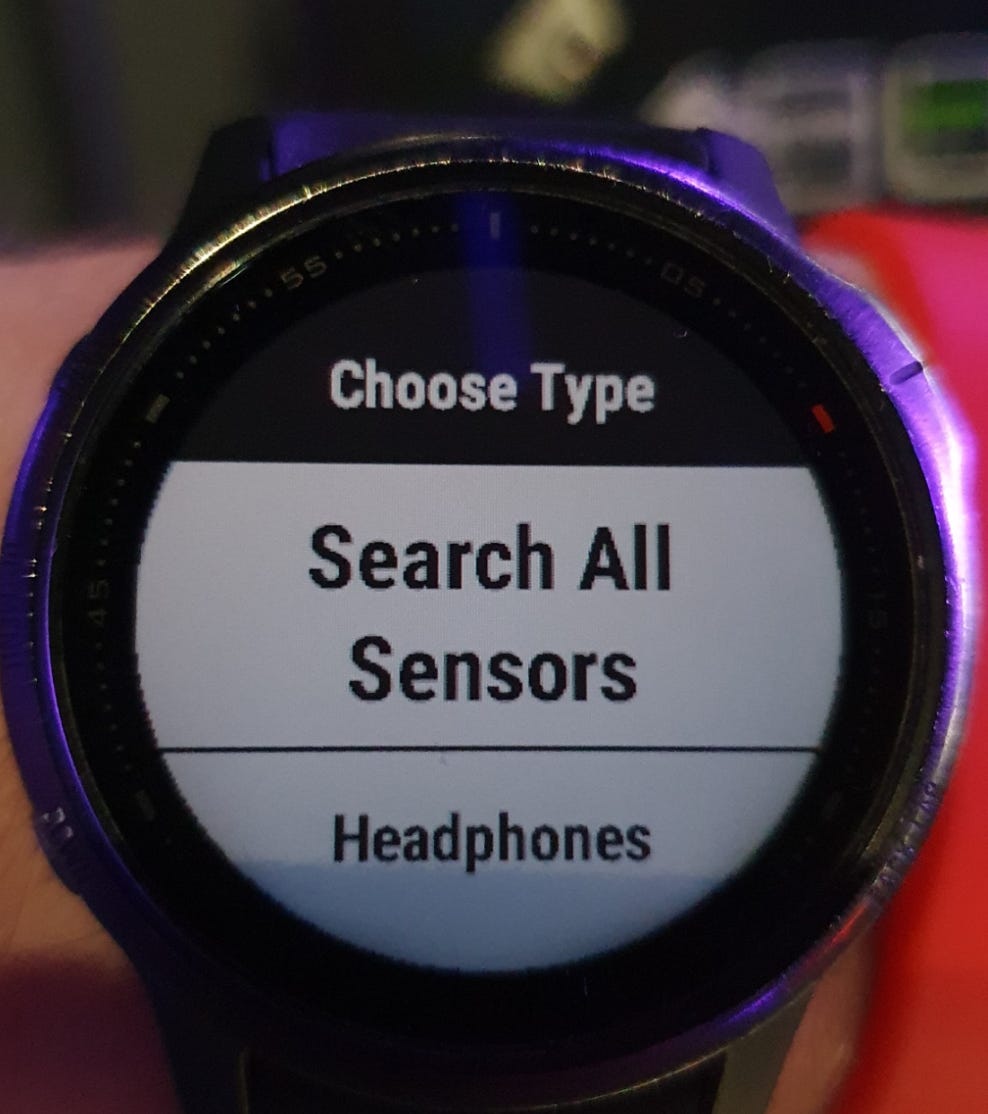
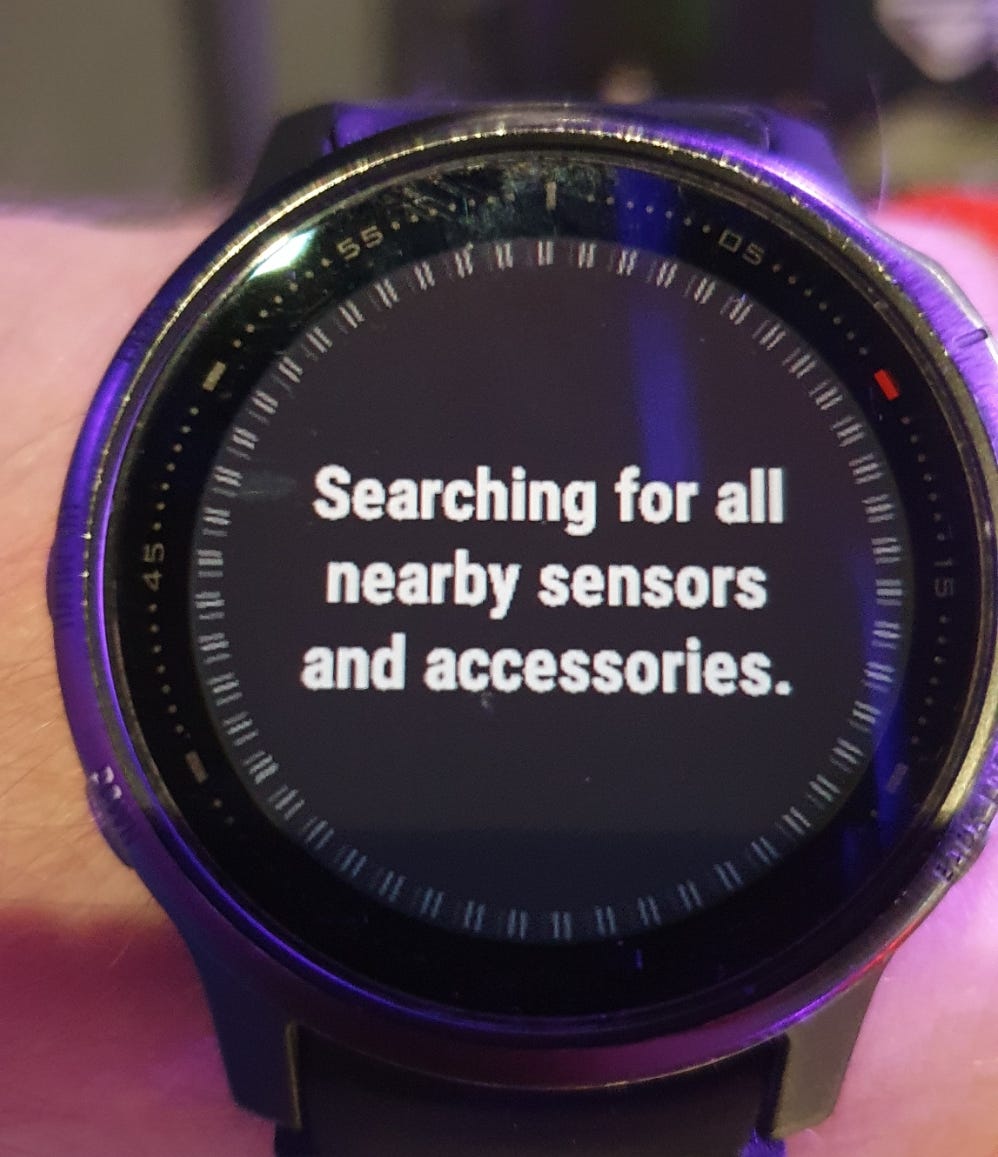
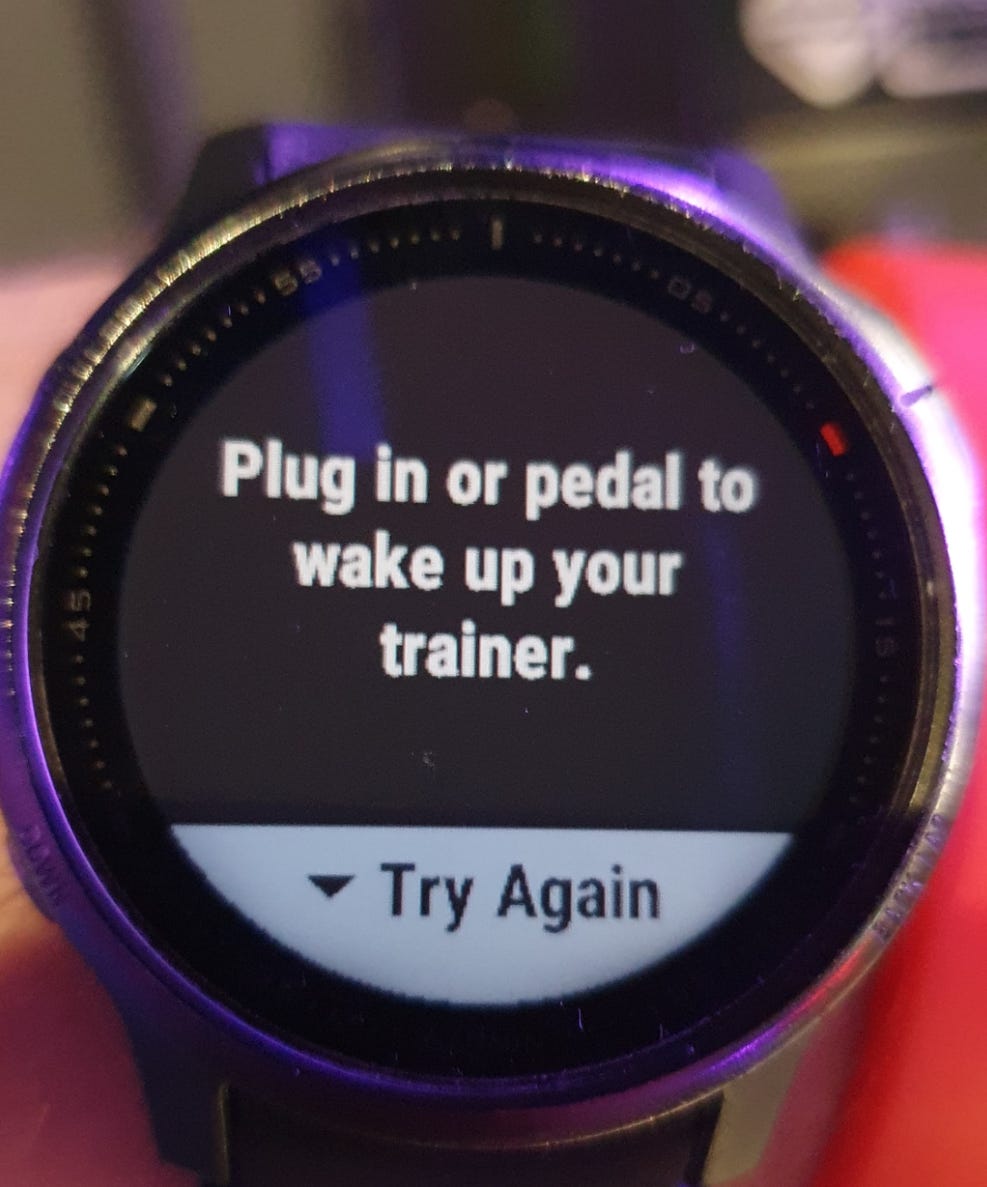
BROADCASTING HEARTRATE TO THE BIKE WORKS, BUT JUST FOR DISPLAYAL OF HR ON ASSAULT BIKE DISPLAY
Works. For this one can either just broadcast heartrate, using the “broadcast heartrate feature“ in an activity.
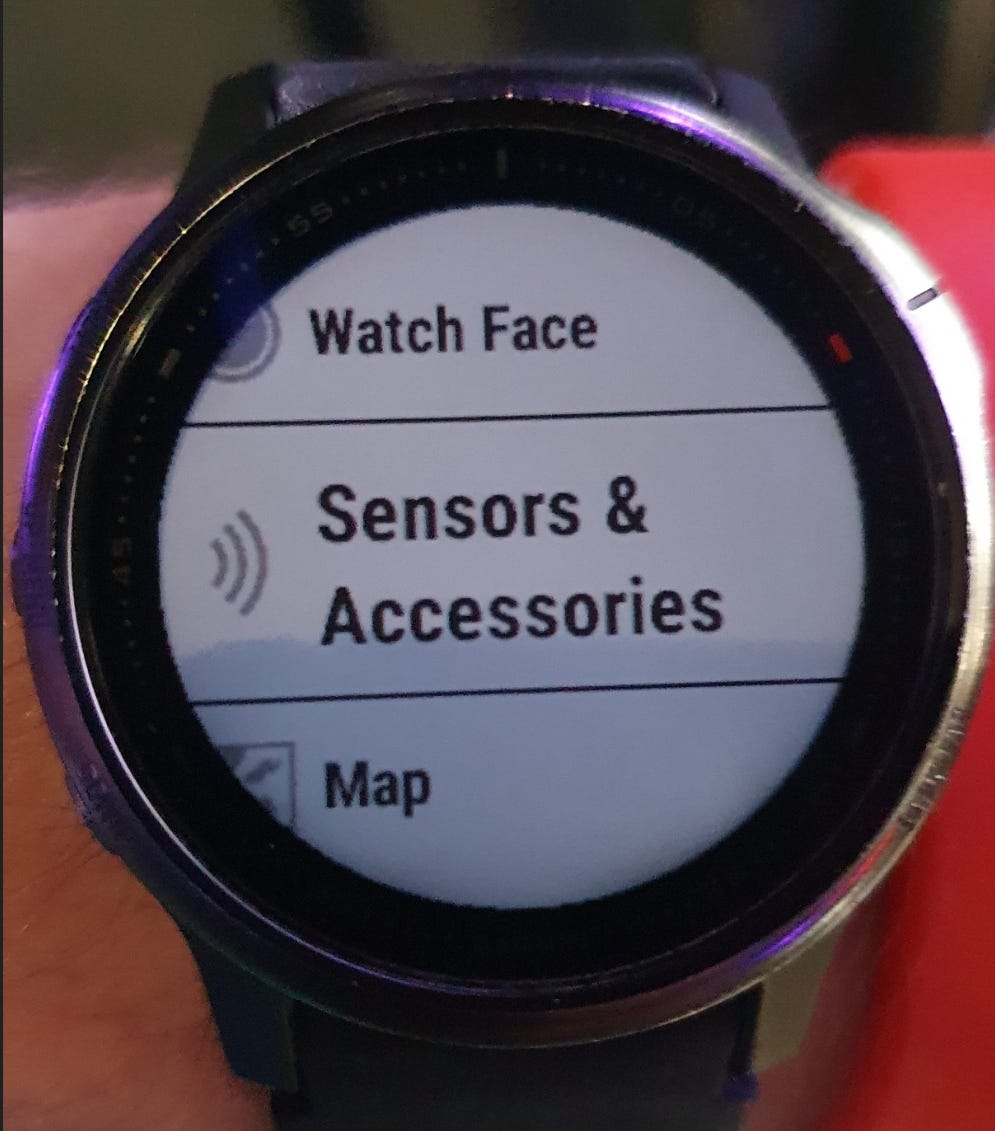
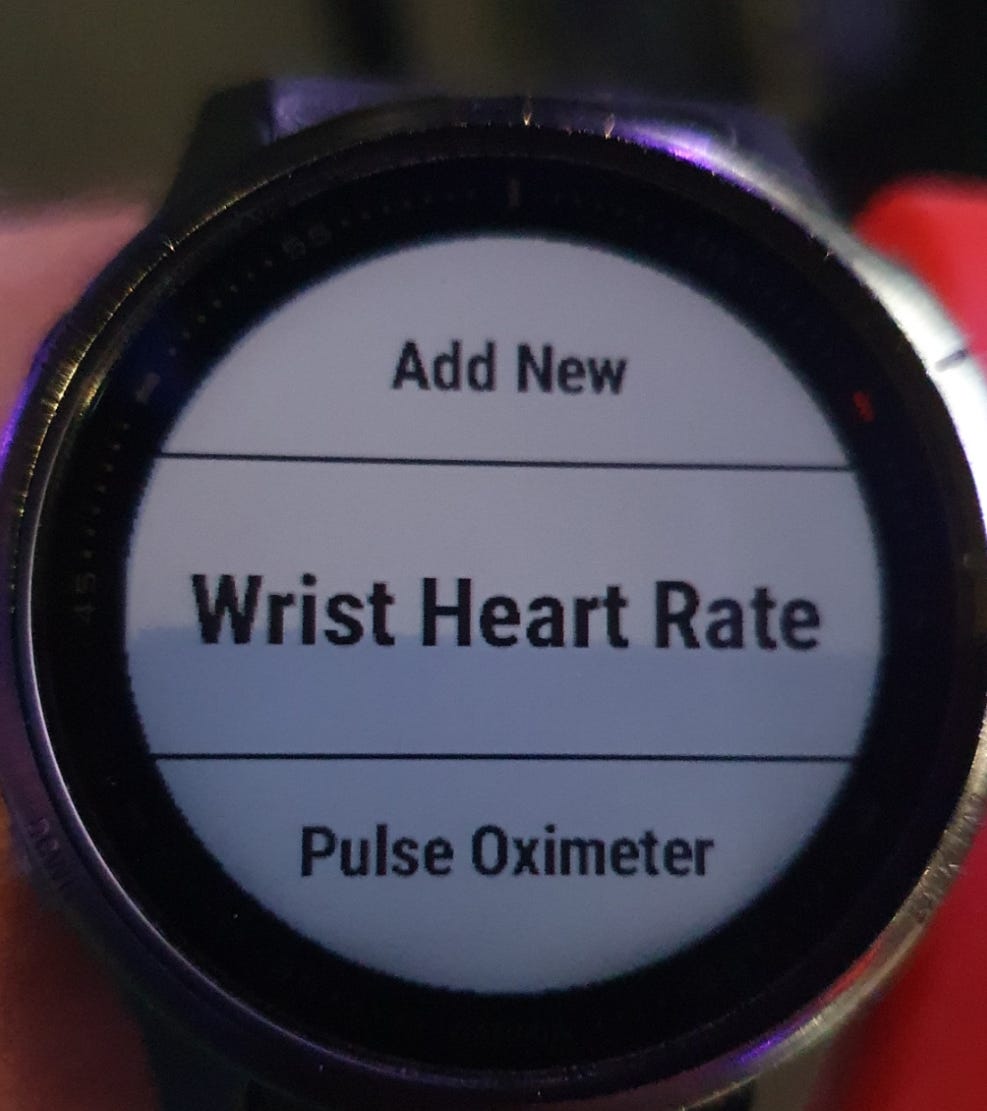
In the Fenix 6S Pro “broadcast during activity“ is a general setting for all activities. In the 7S Pro, the setting can be turned on in each individual activity profile.
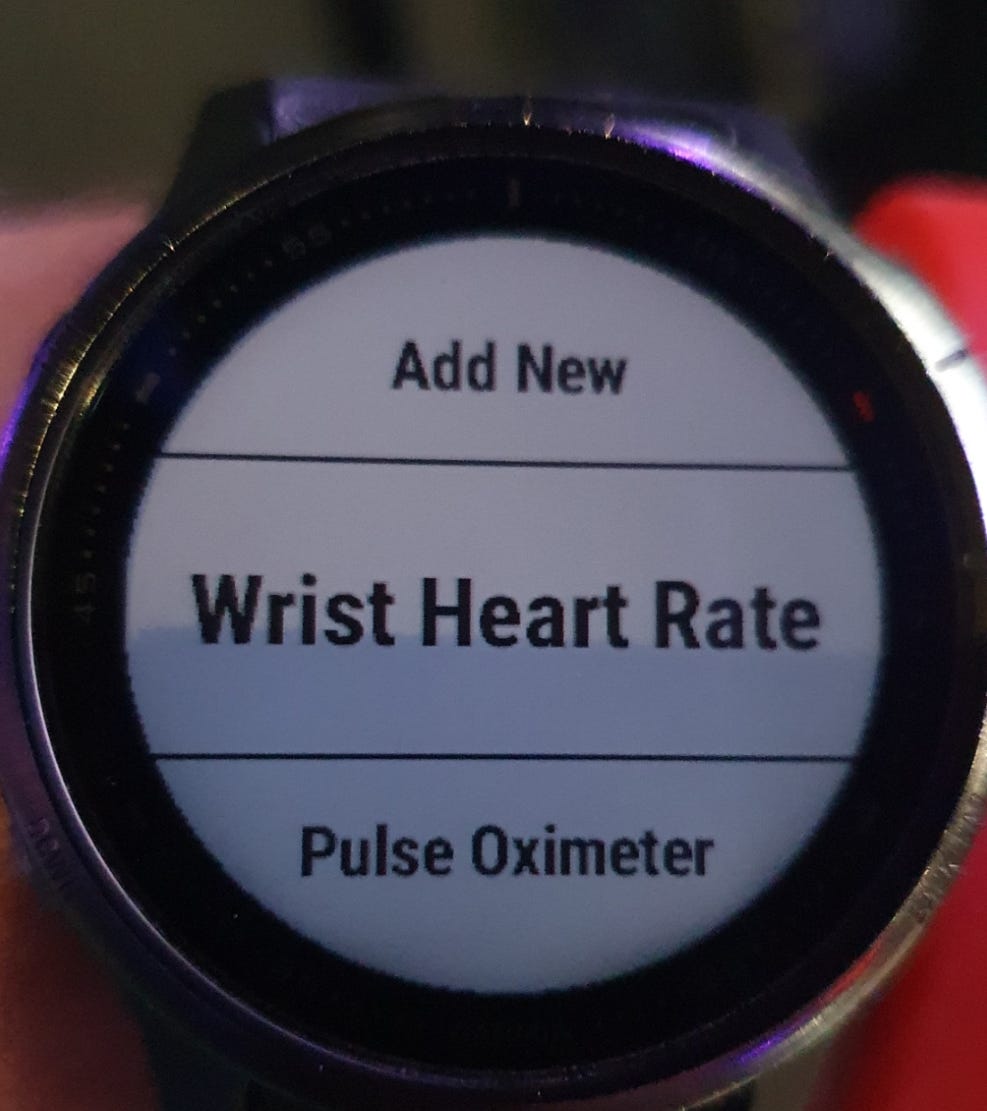
Both have the “Broadcast Heart Rate“ feature in the settings, that allows to broadcast heart rate without simultaneously recording an activity.
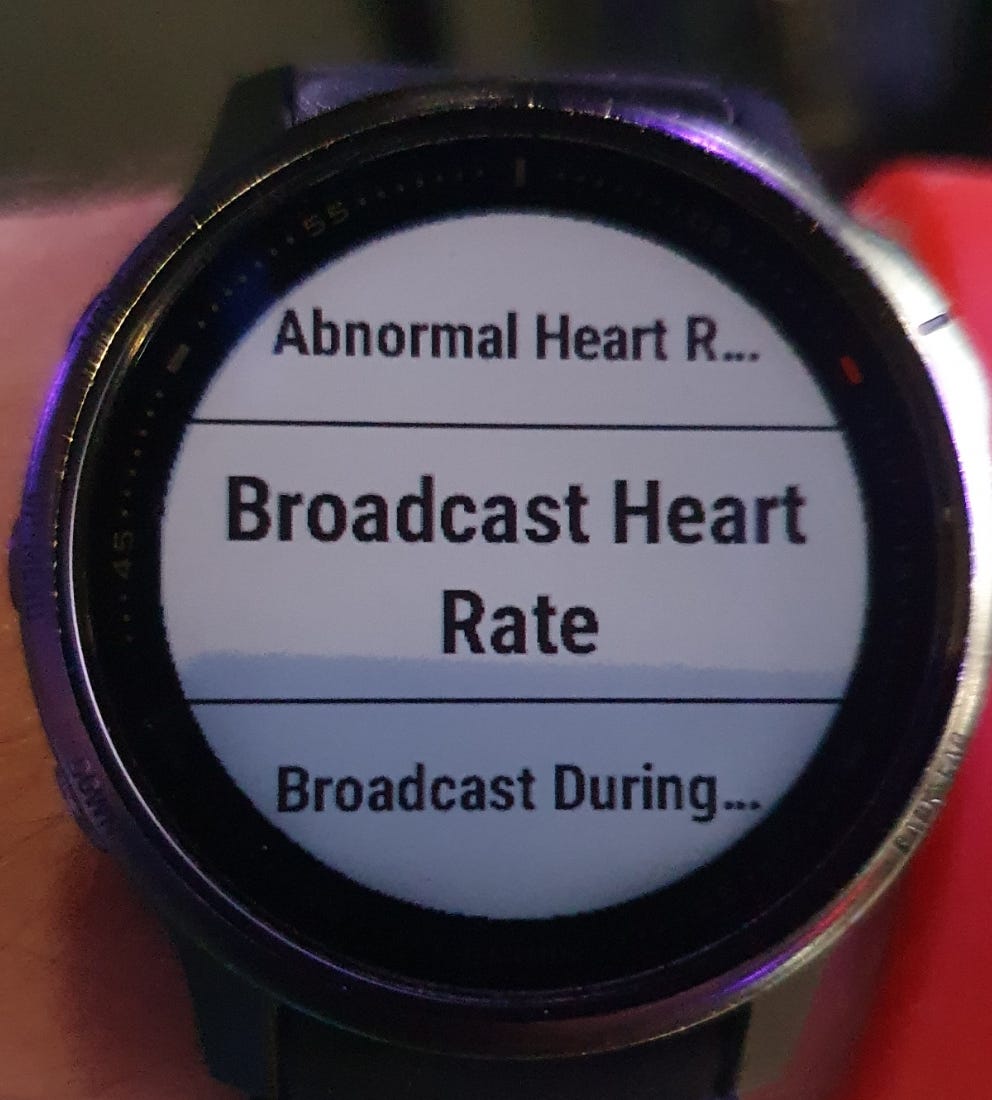
This is what the “Broadcast Heart Rate“ looks like if off.
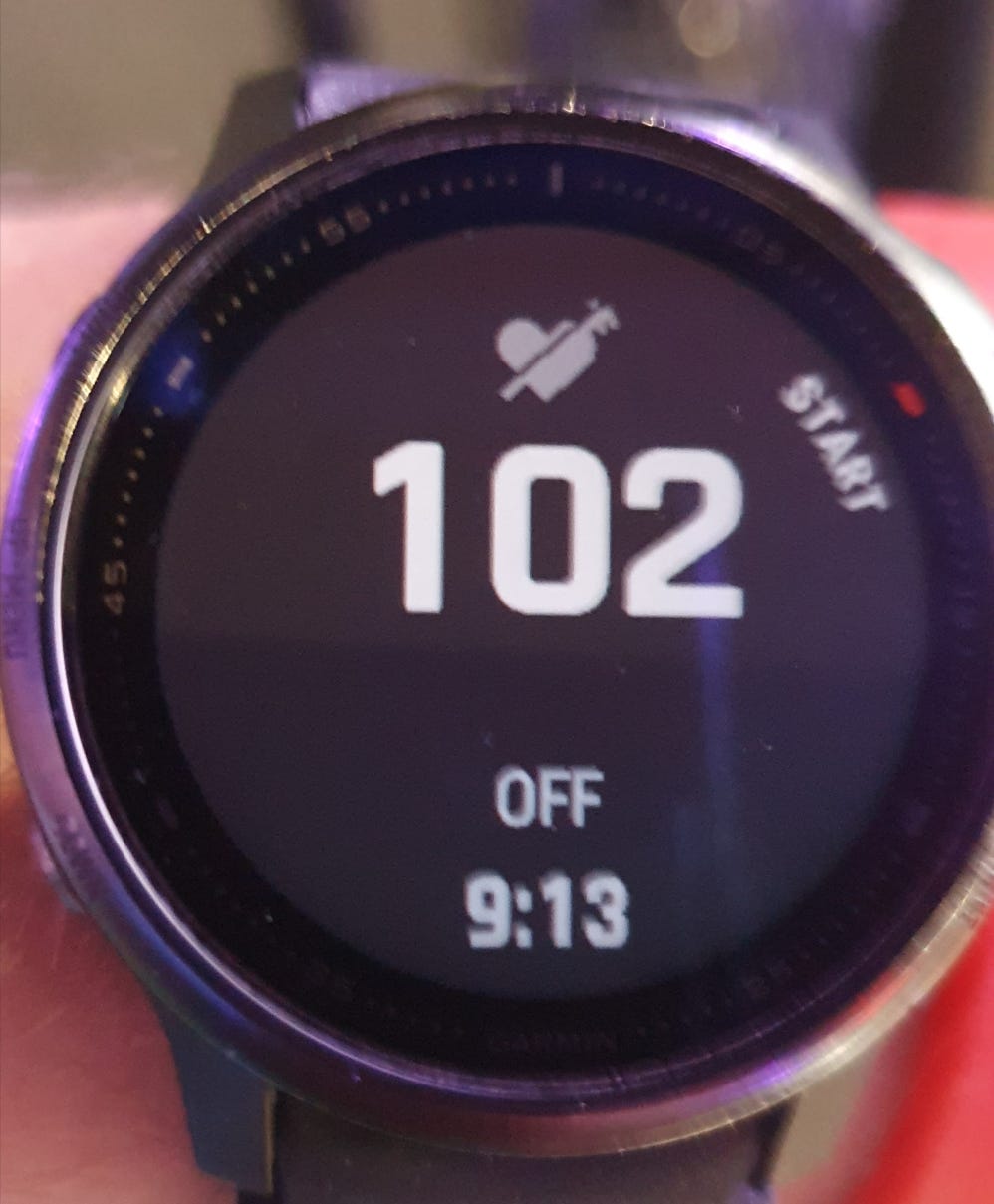
And here it is on
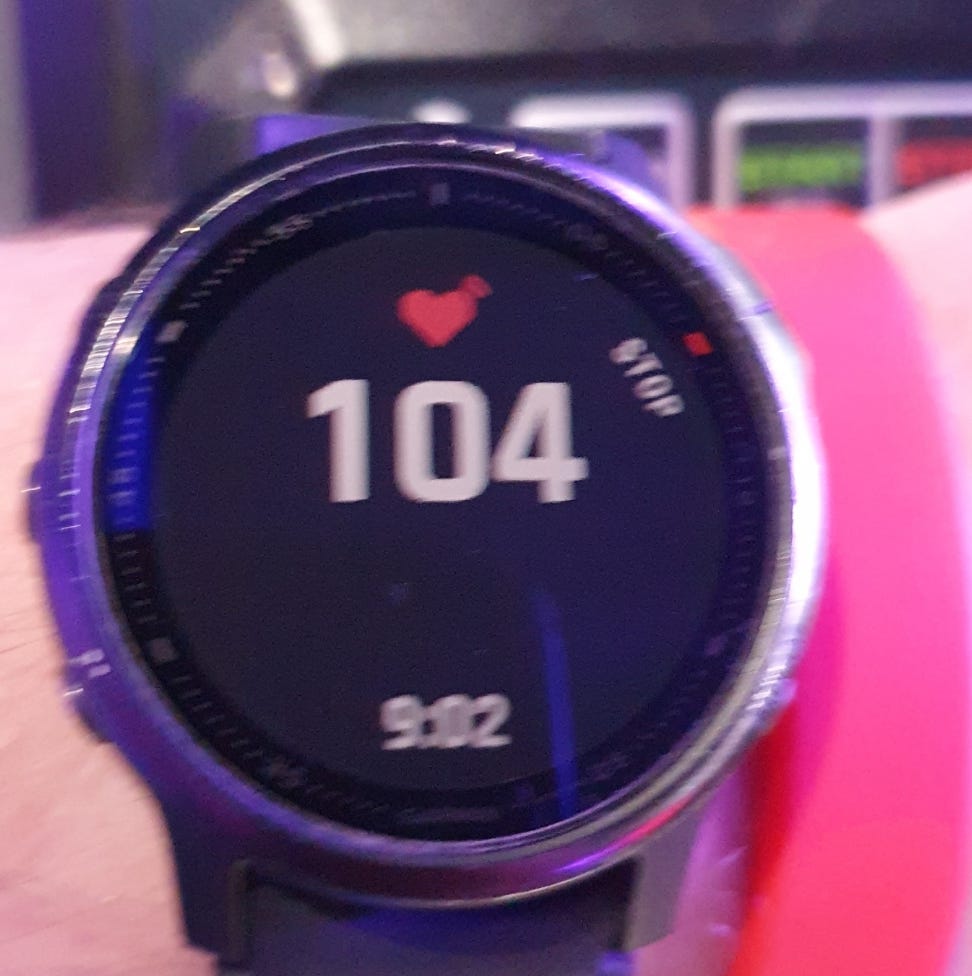
THE BROADCAST HEART RATE FEATURE ALLOWS ONLY DISPLAYAL OF HEART RATE ON THE ASSAULT BIKE’S DISPLAY
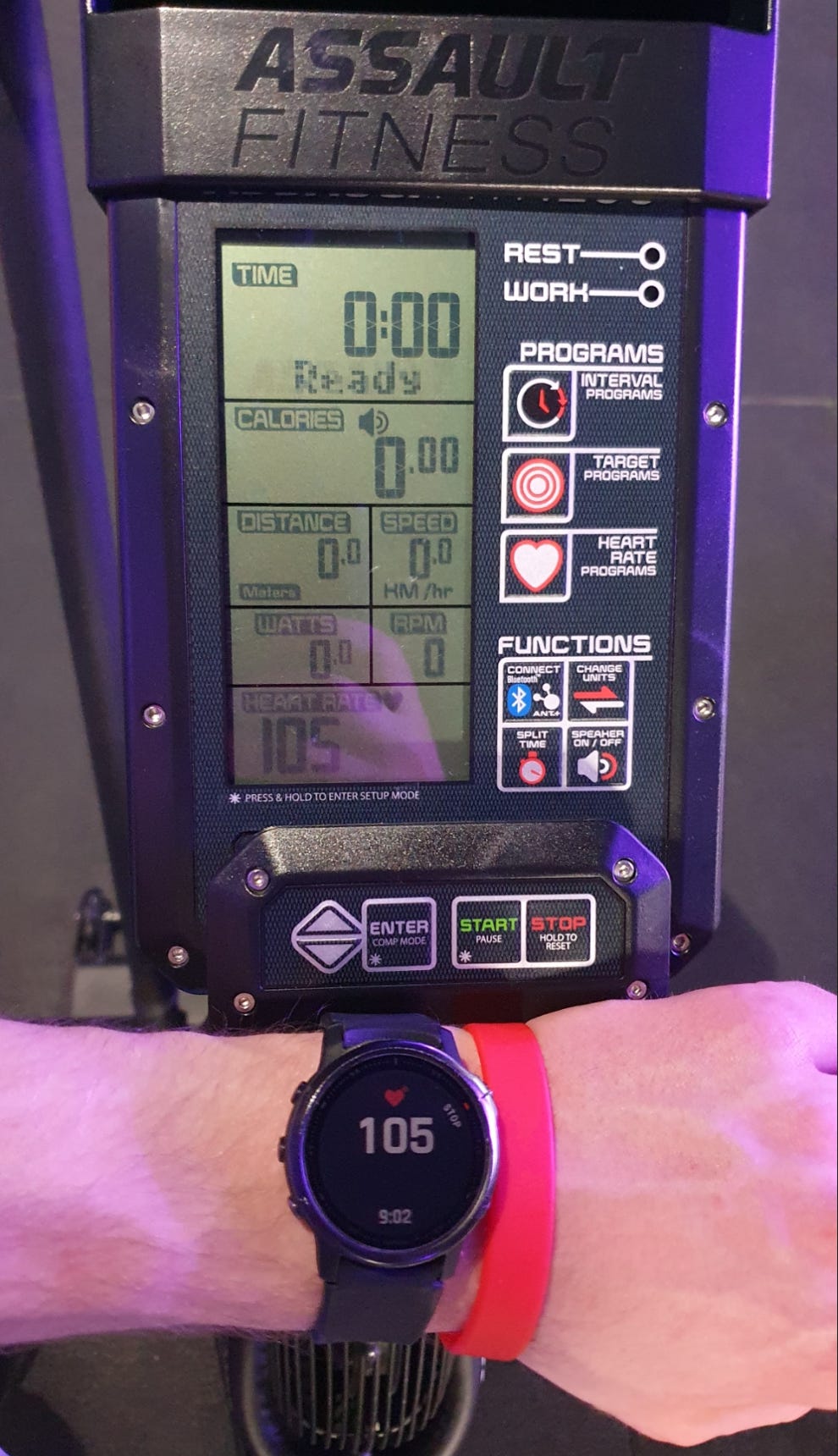
For this
Turn on “Broadcast Heartrate”
Longpress the “Connect“ button on Assault Bike Pro X
Wait for “ANT + HR“
For me then: the watch was found without accepting the connection on the watch
BEFORE CONNECTING THE ASSAULT BIKE TO ZWIFT
You need to connect your Garmin account to Zwift. You can by either visiting the web platform.
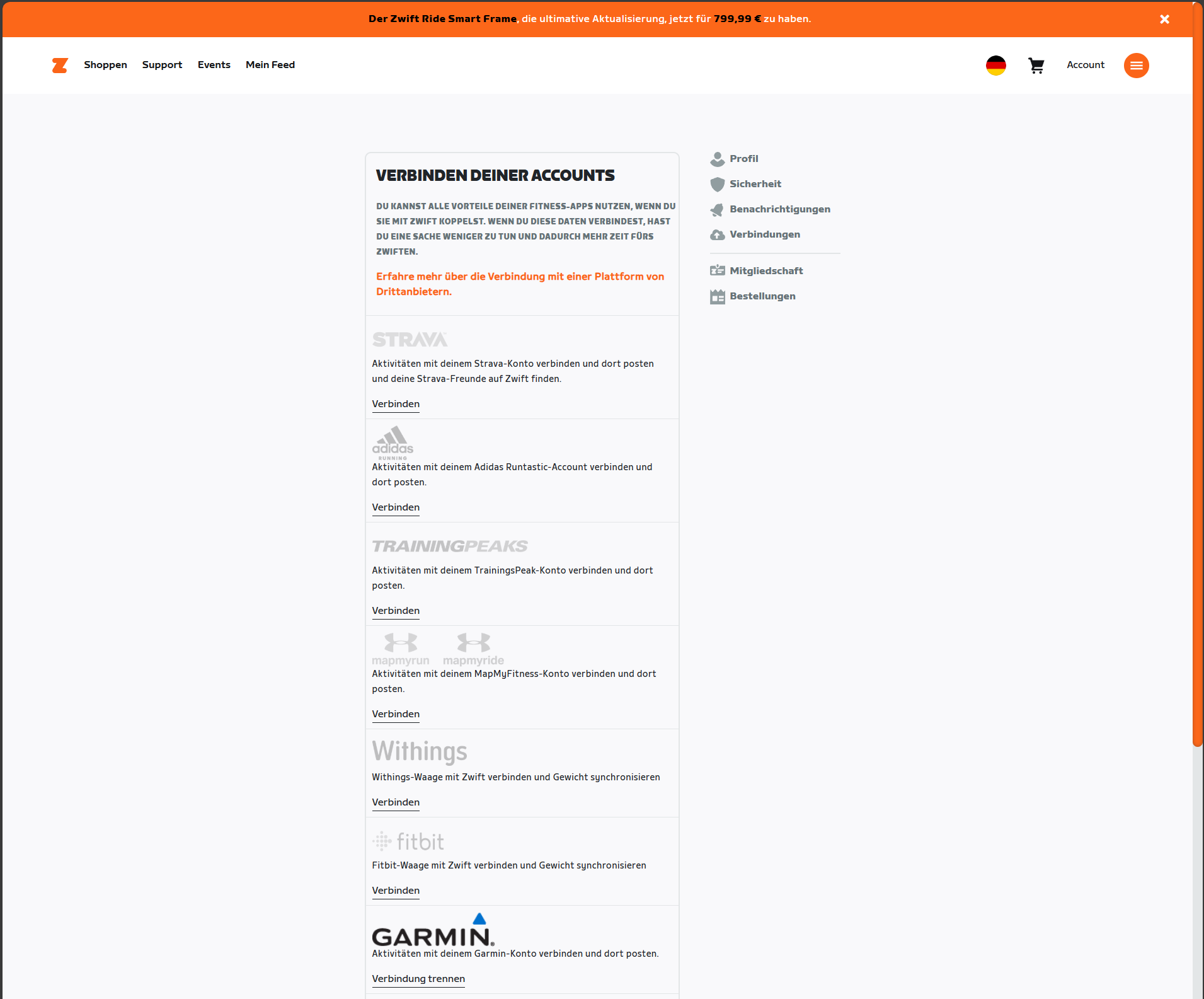
or the Zwift companion app.
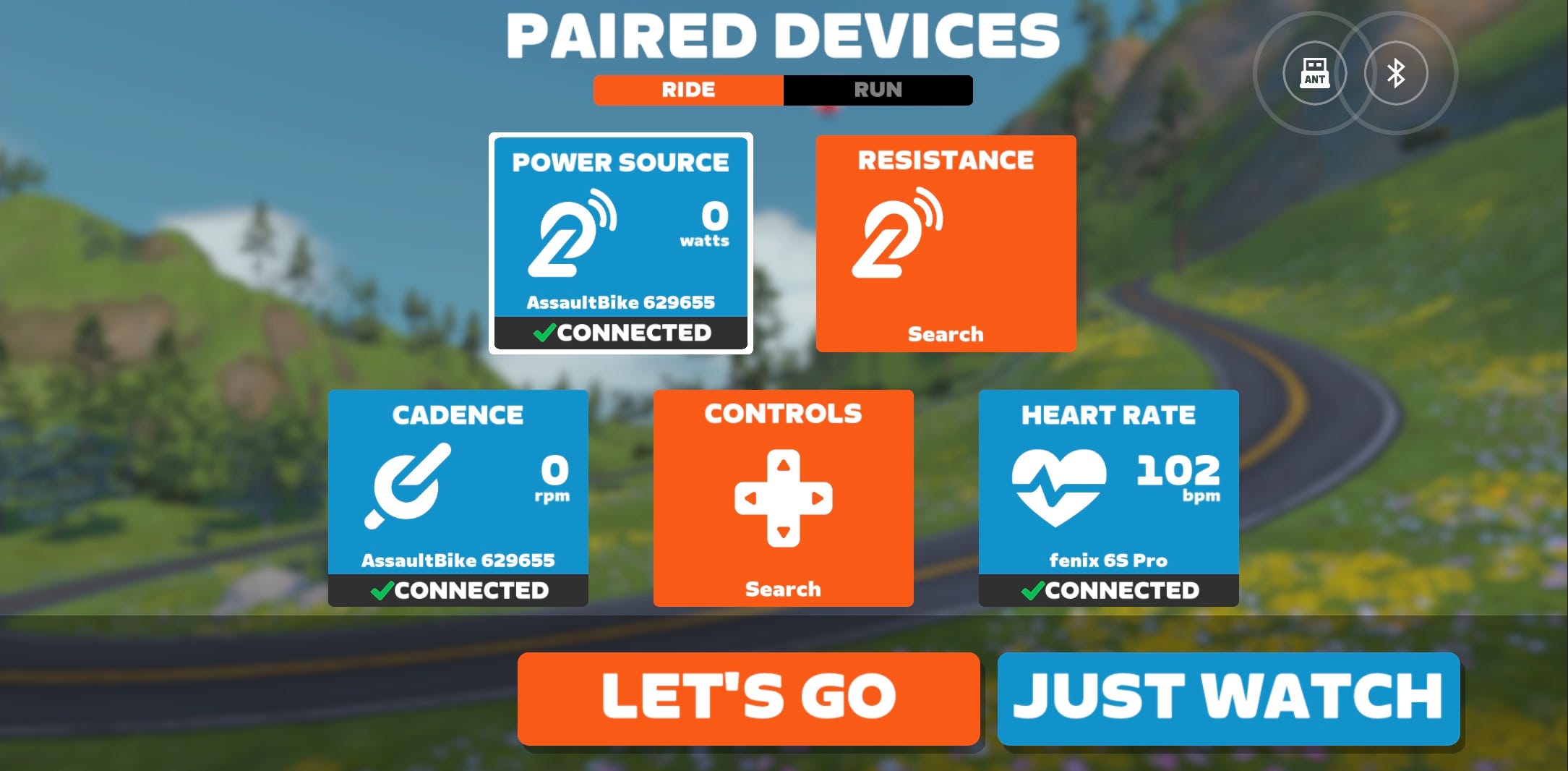
THEN YOU CONNECT THE ASSAULT BIKE & YOUR HR SENSOR TO ZWIFT
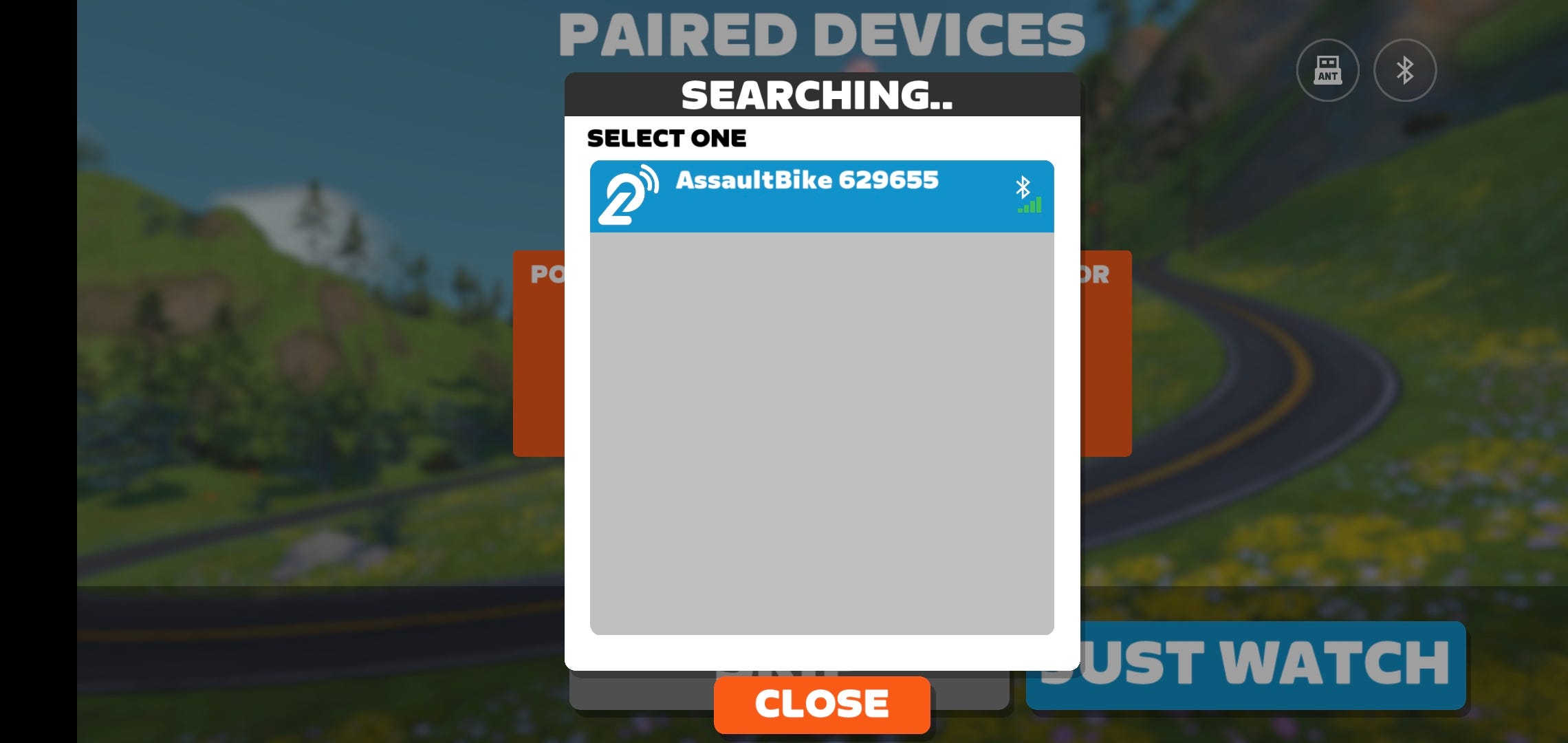
Long press the “Connect“ button on Assault Bike Pro X
once the “ANT + HR“ has displayed (which you additionally can use to display hr on the Assault Bike’s display)
Press it again to start Bluetooth connection
Open Zwift app
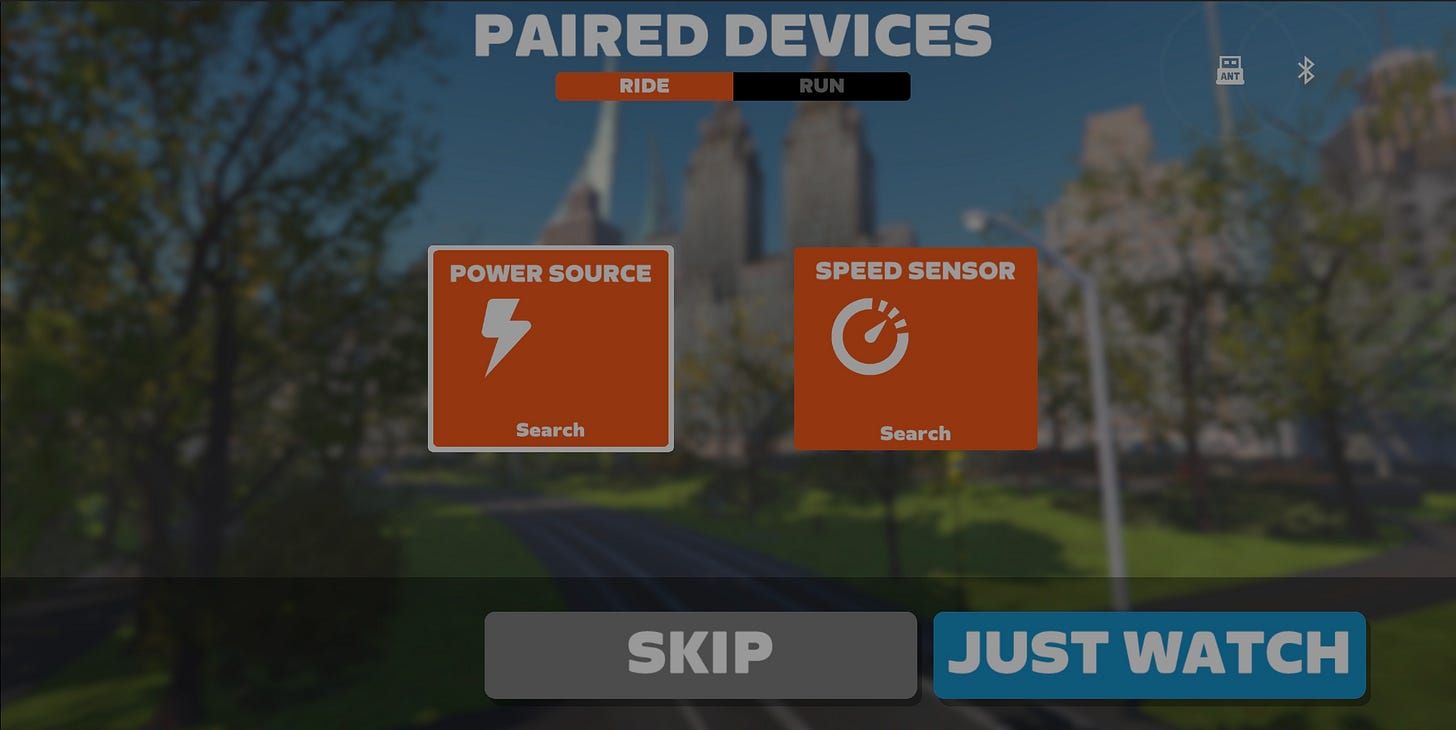
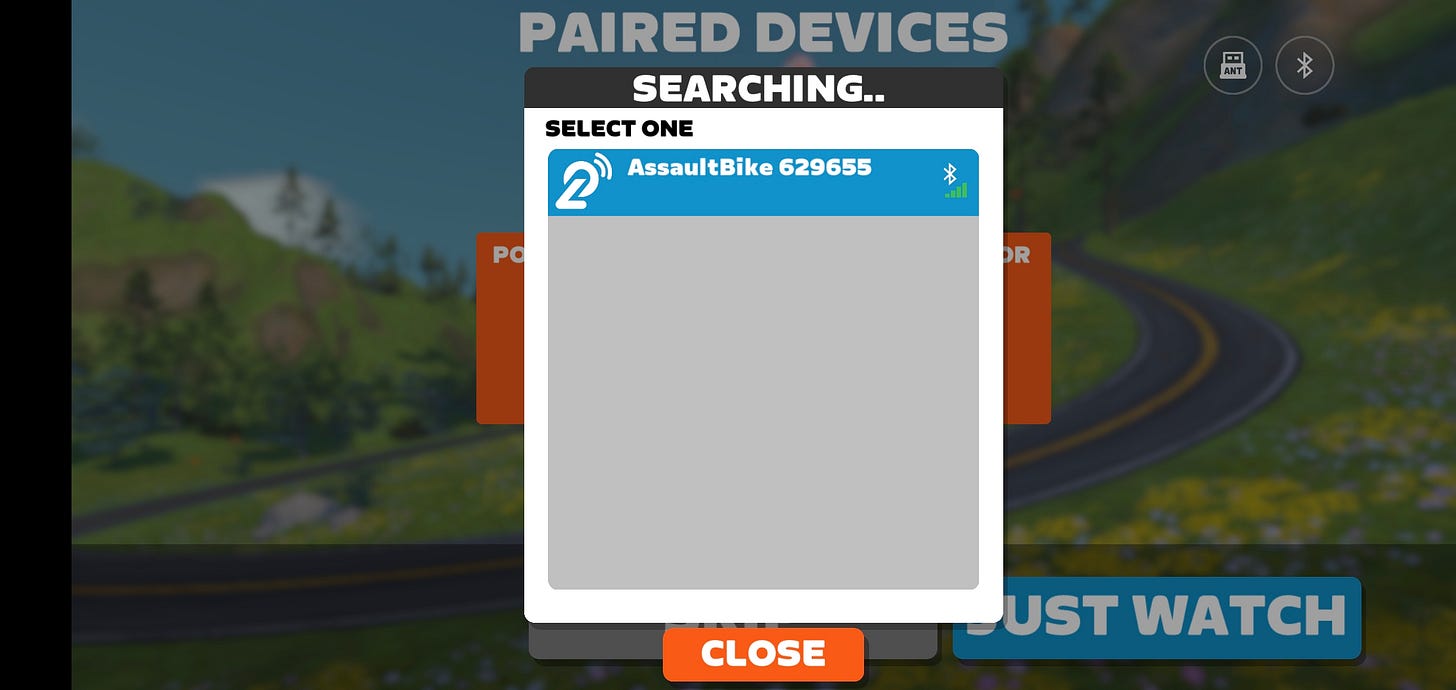
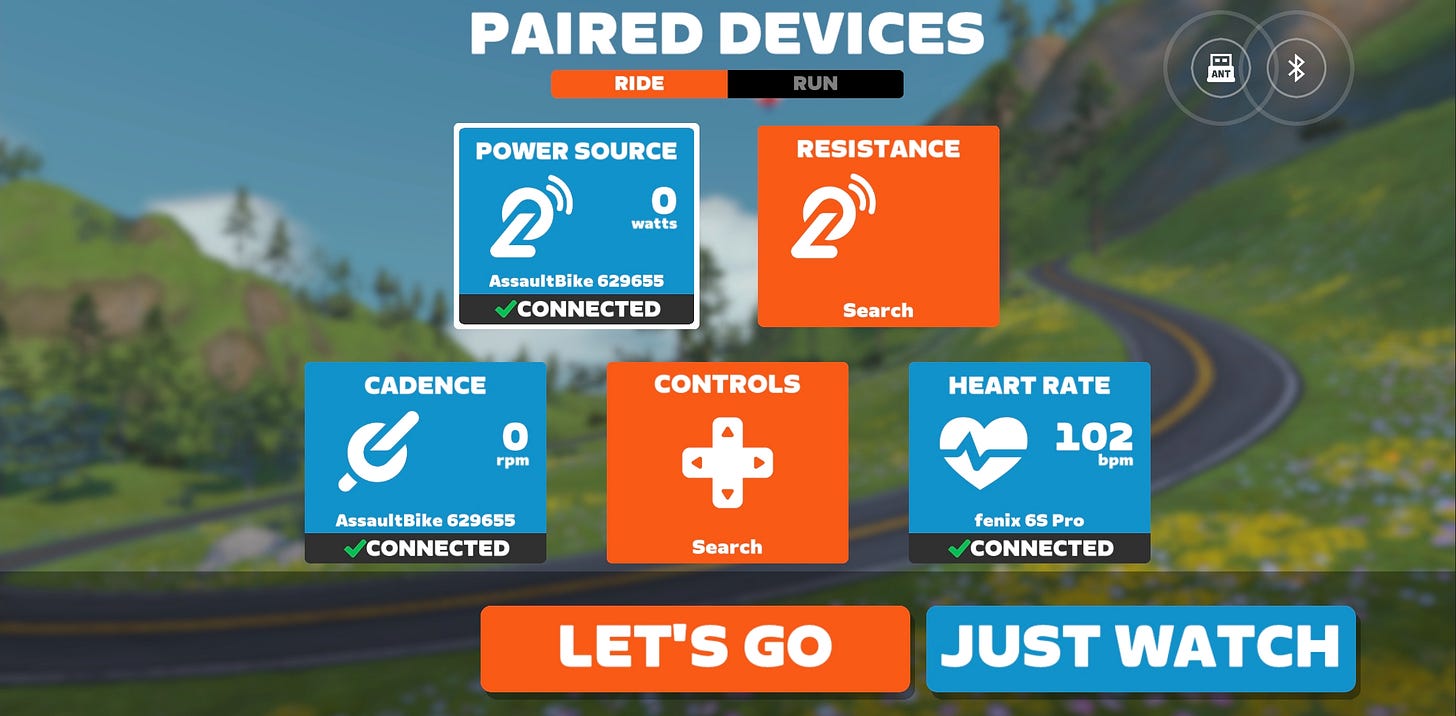
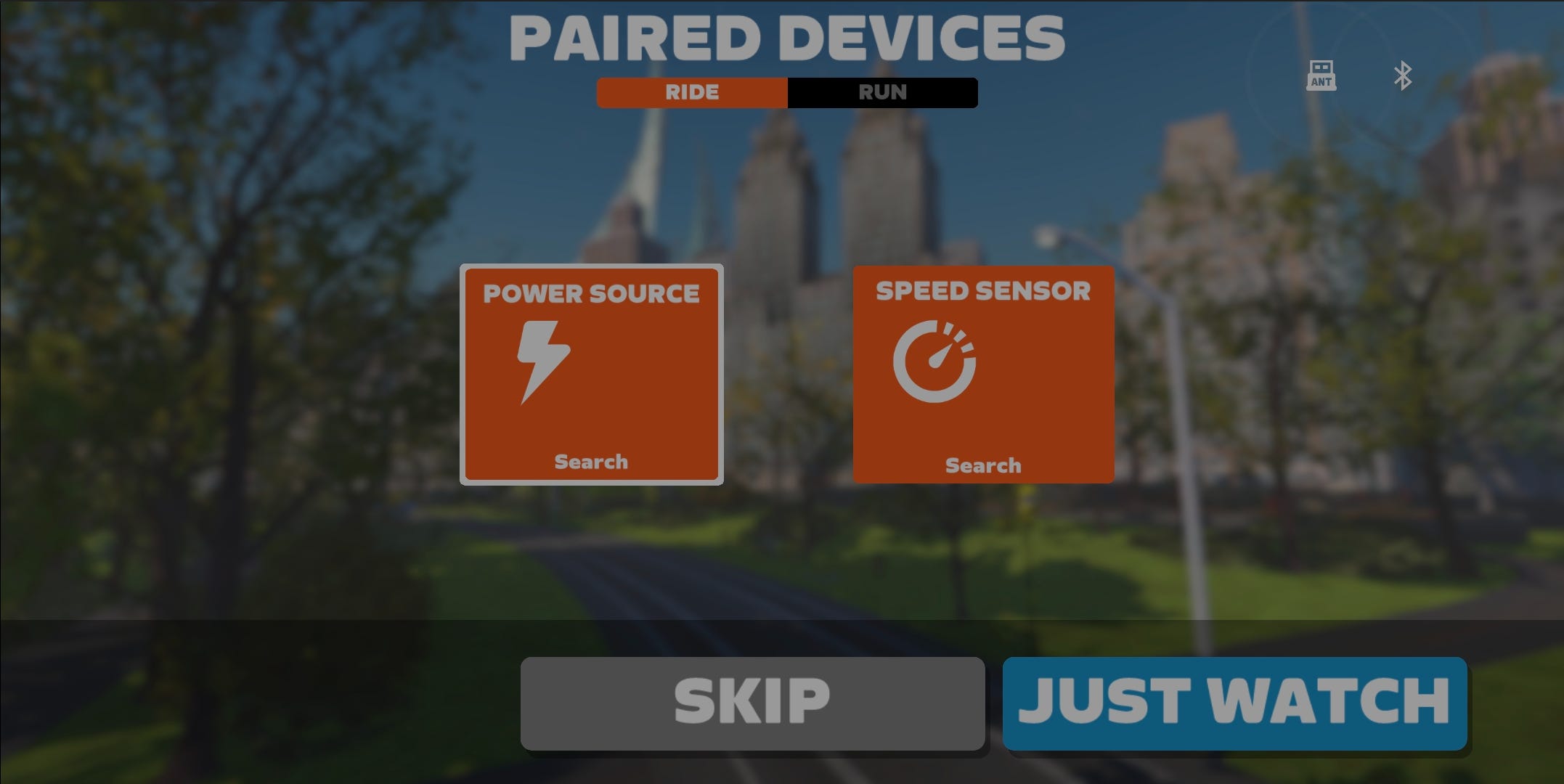
Search for “Power Source“ in Zwift
Connect your HR sensor (watch or strap)
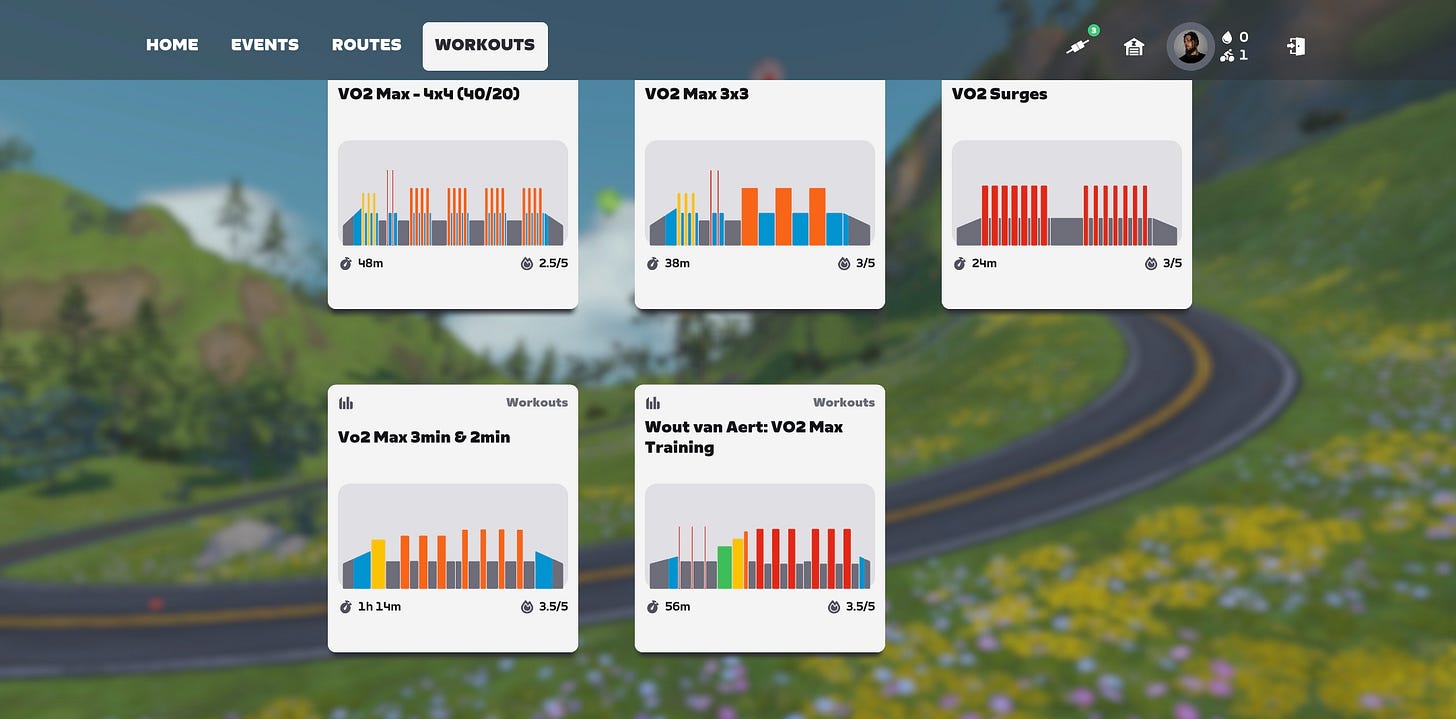
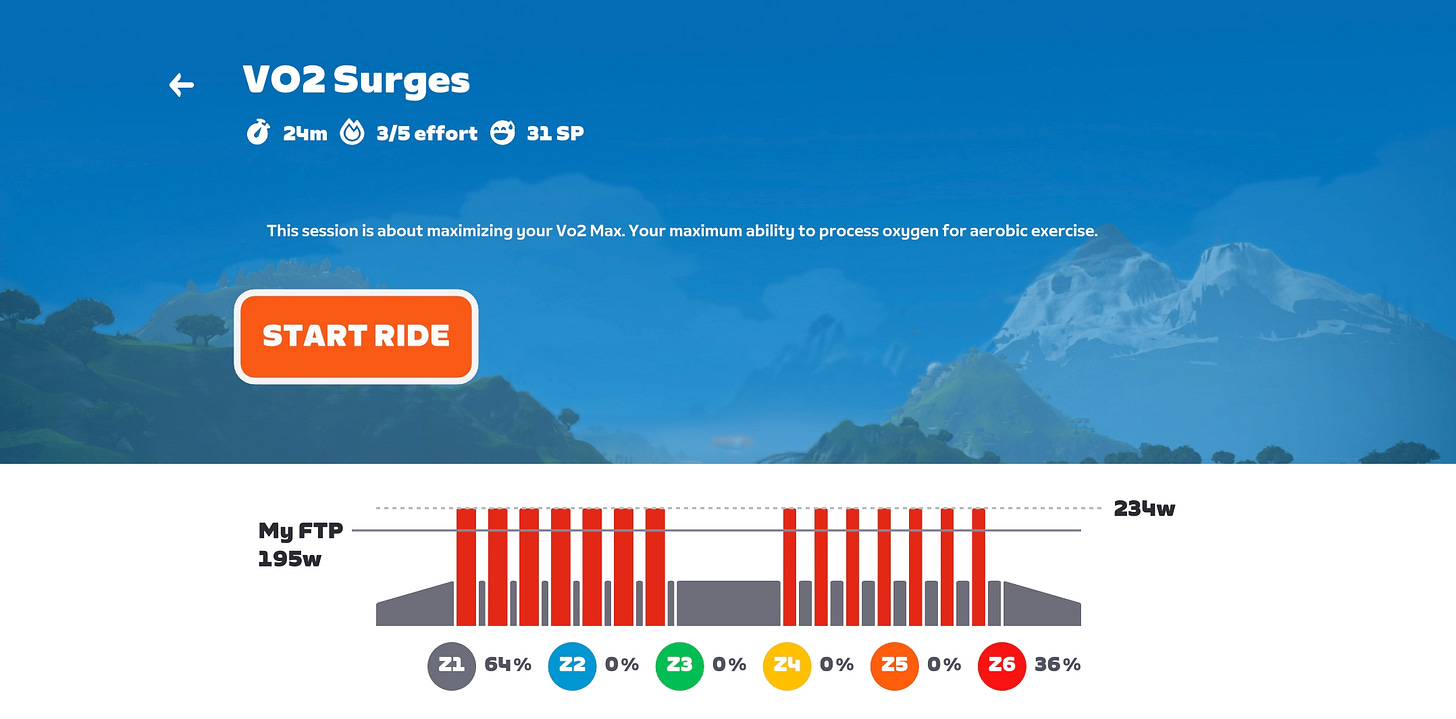
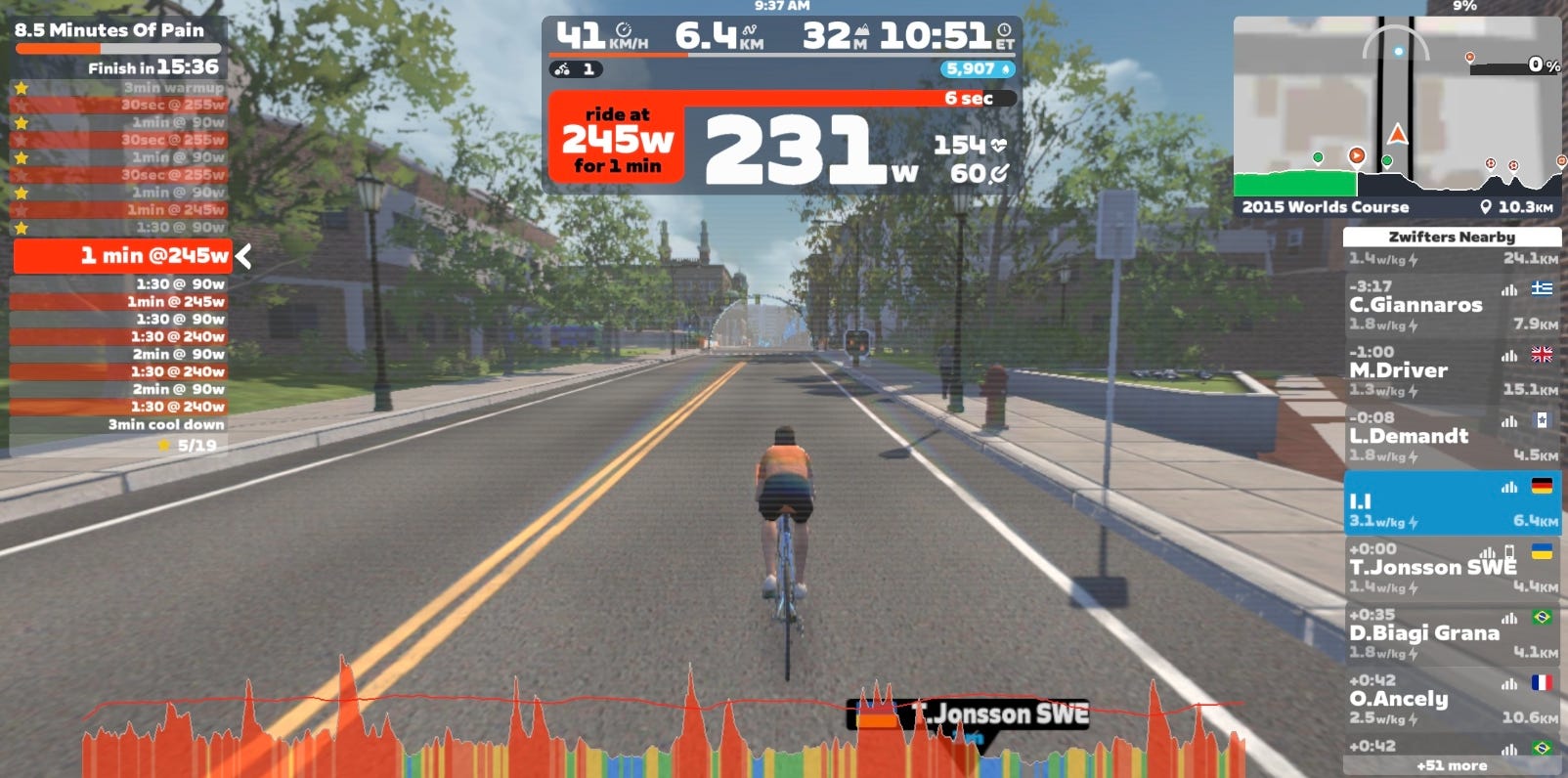
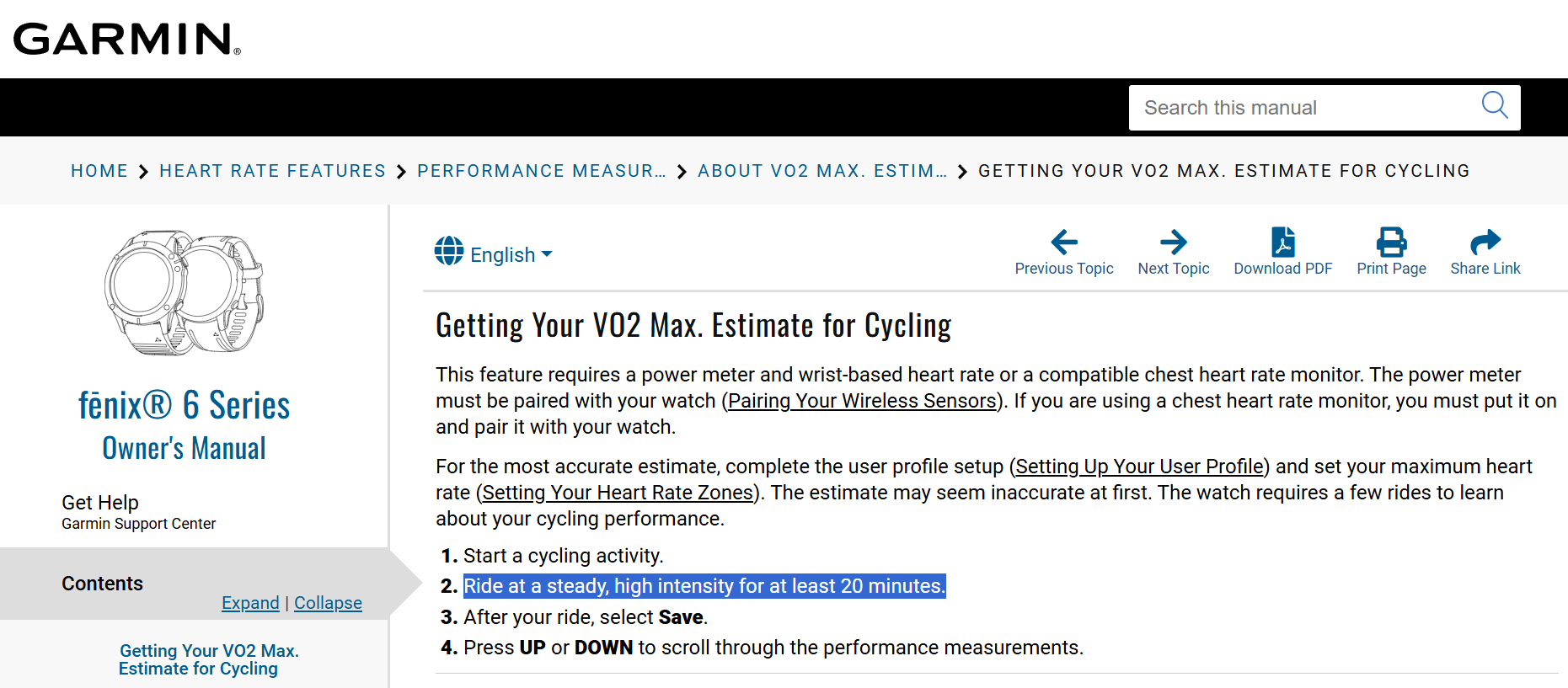
Start a ride in Zwift (make sure to “ride at at steady, high intensity for at least 20 minutes“)
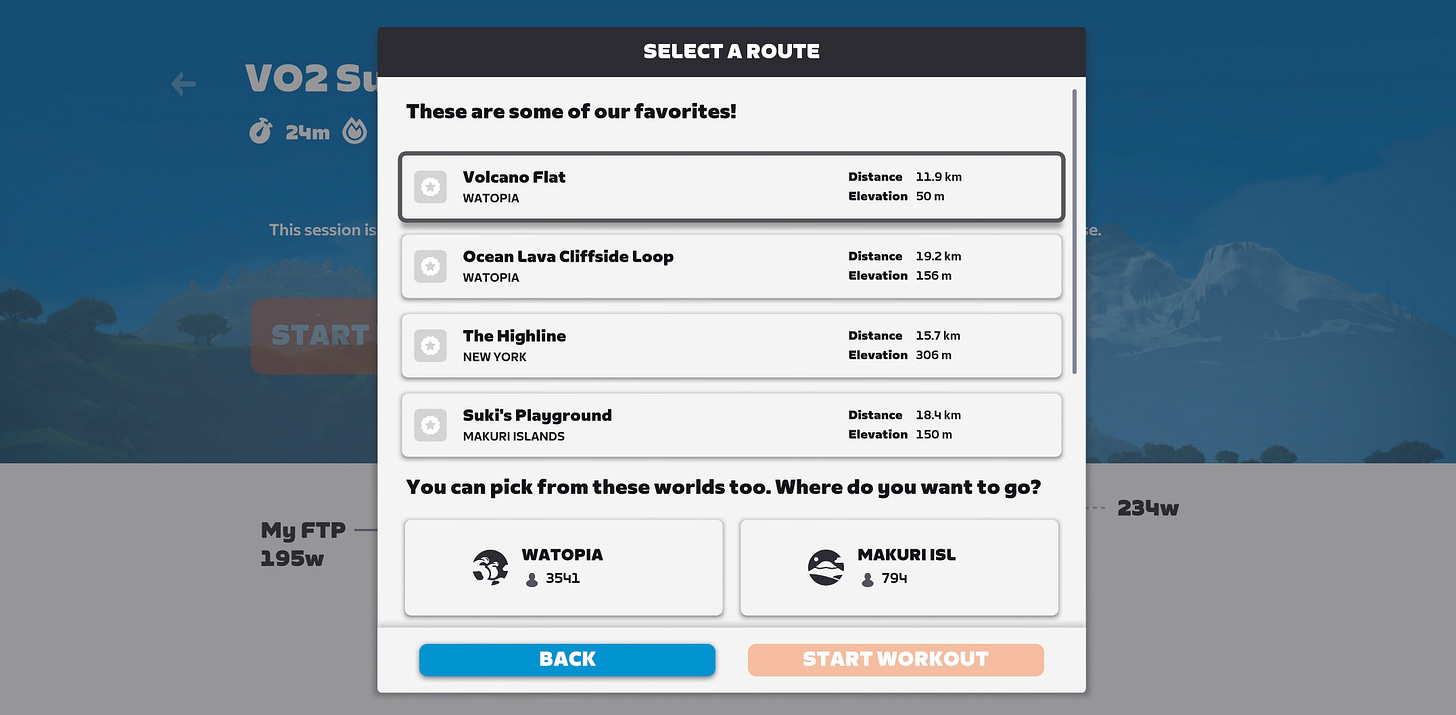
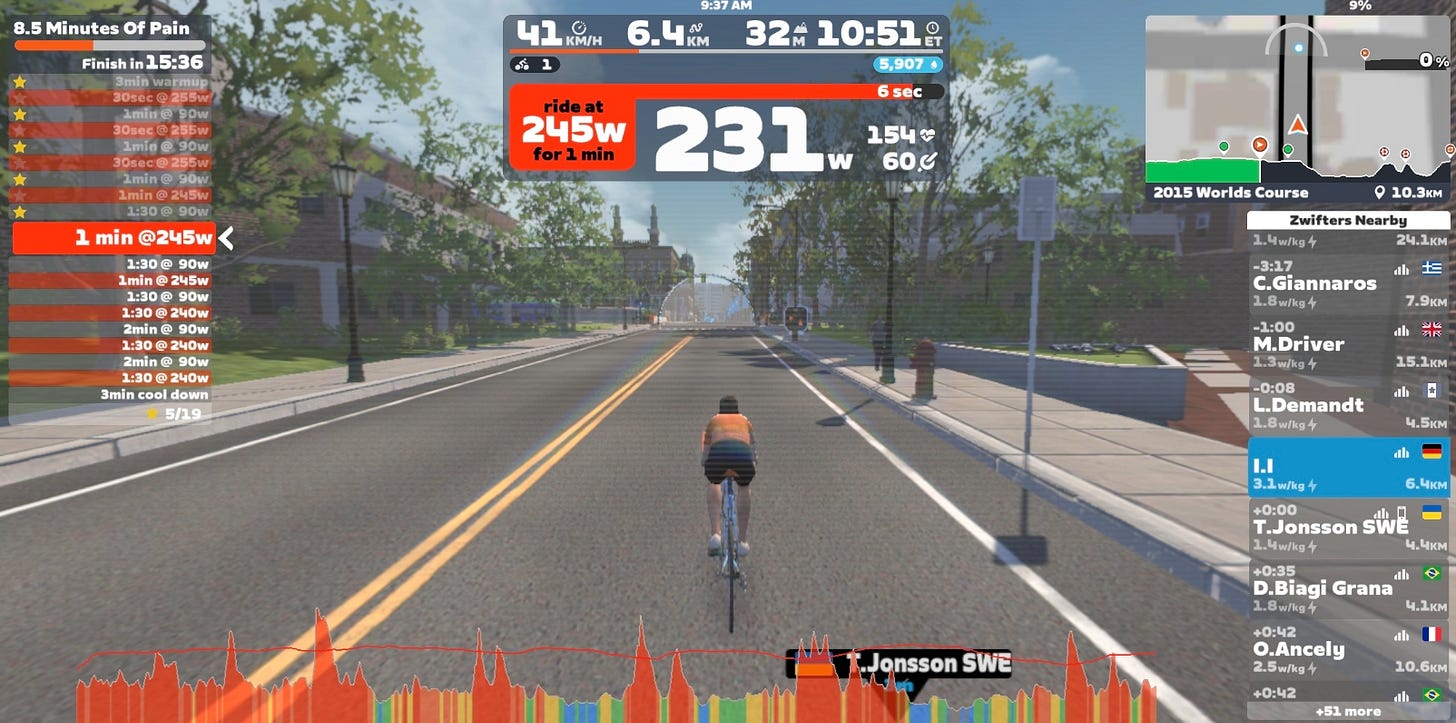
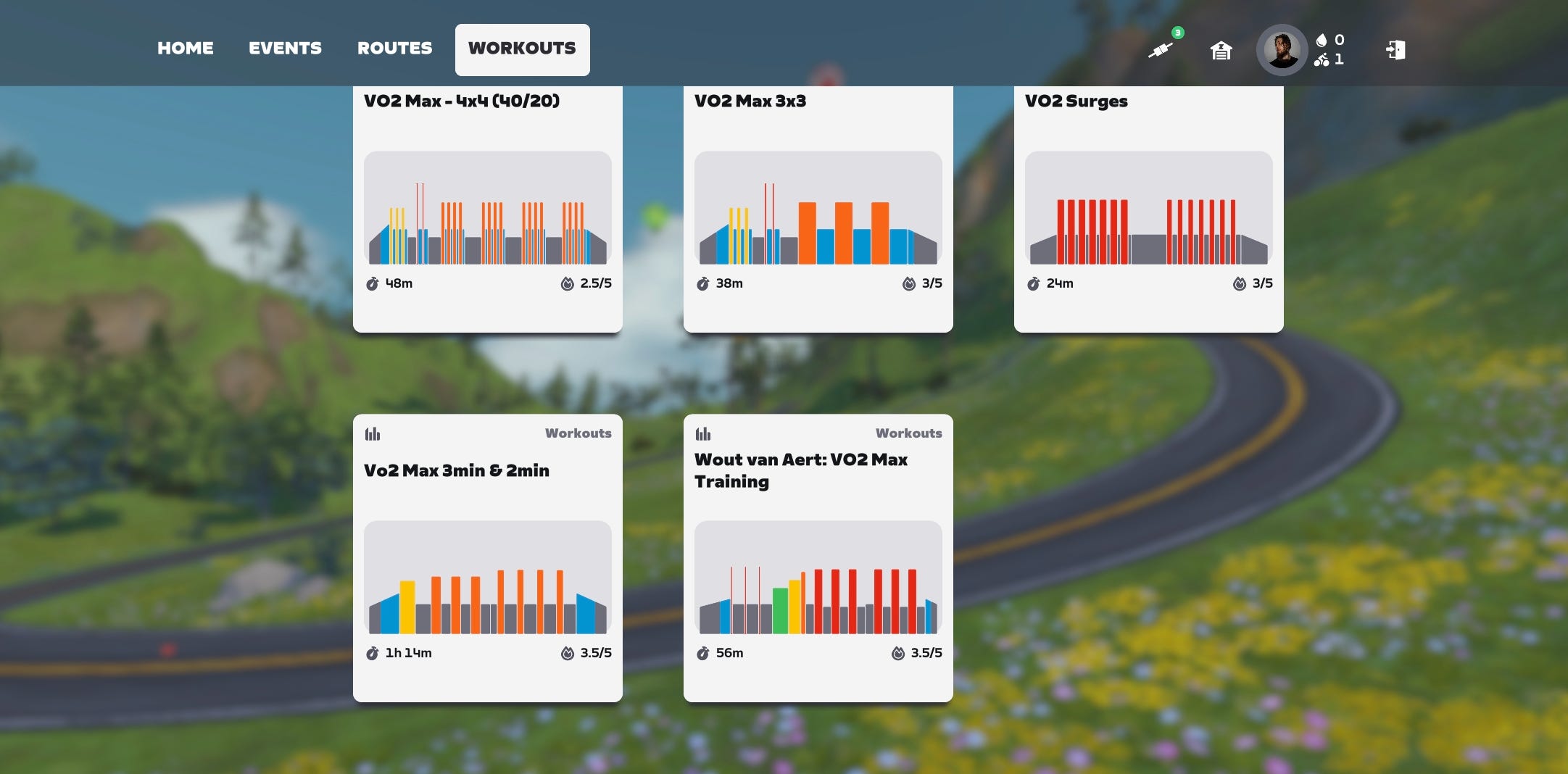
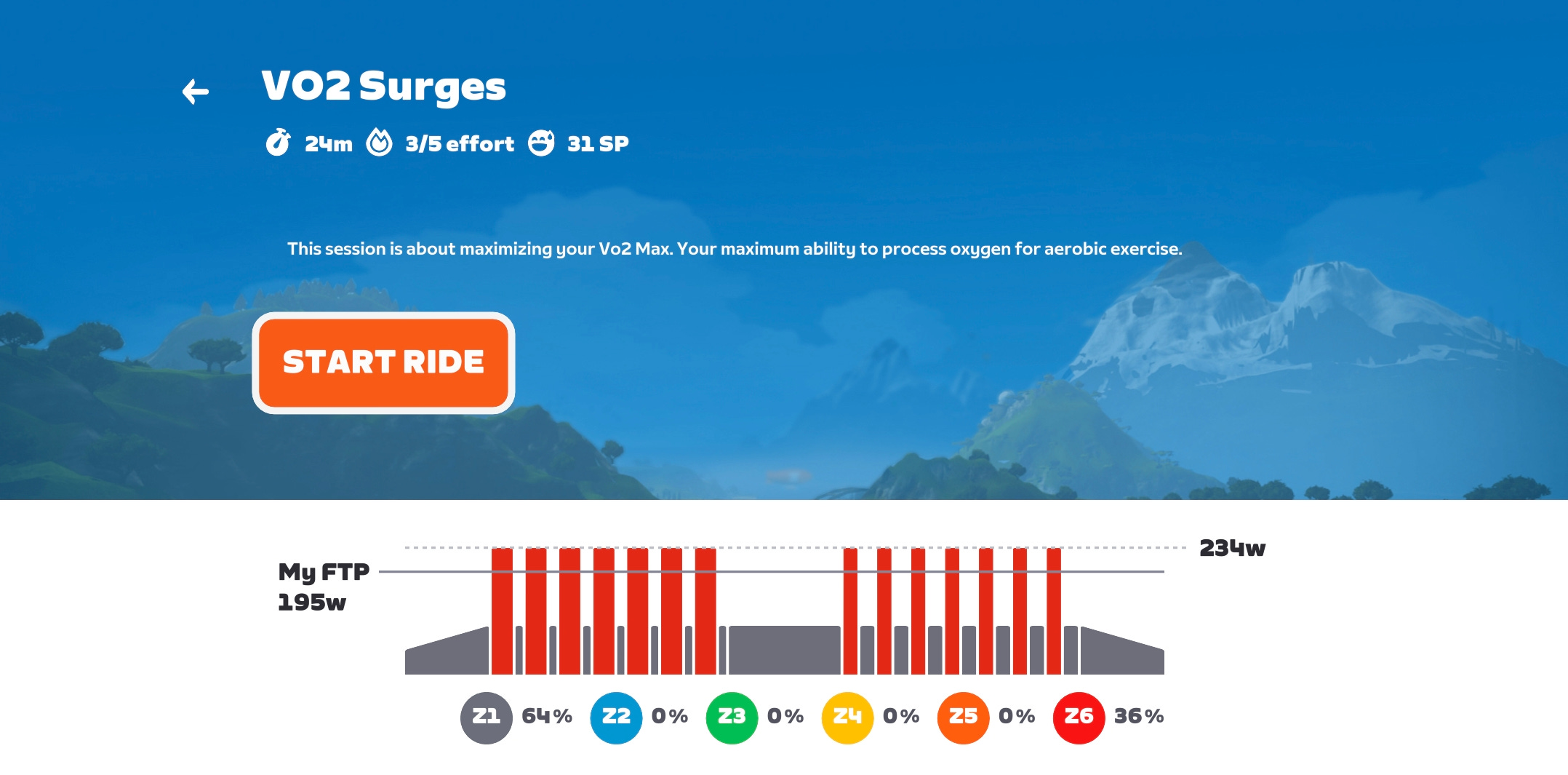
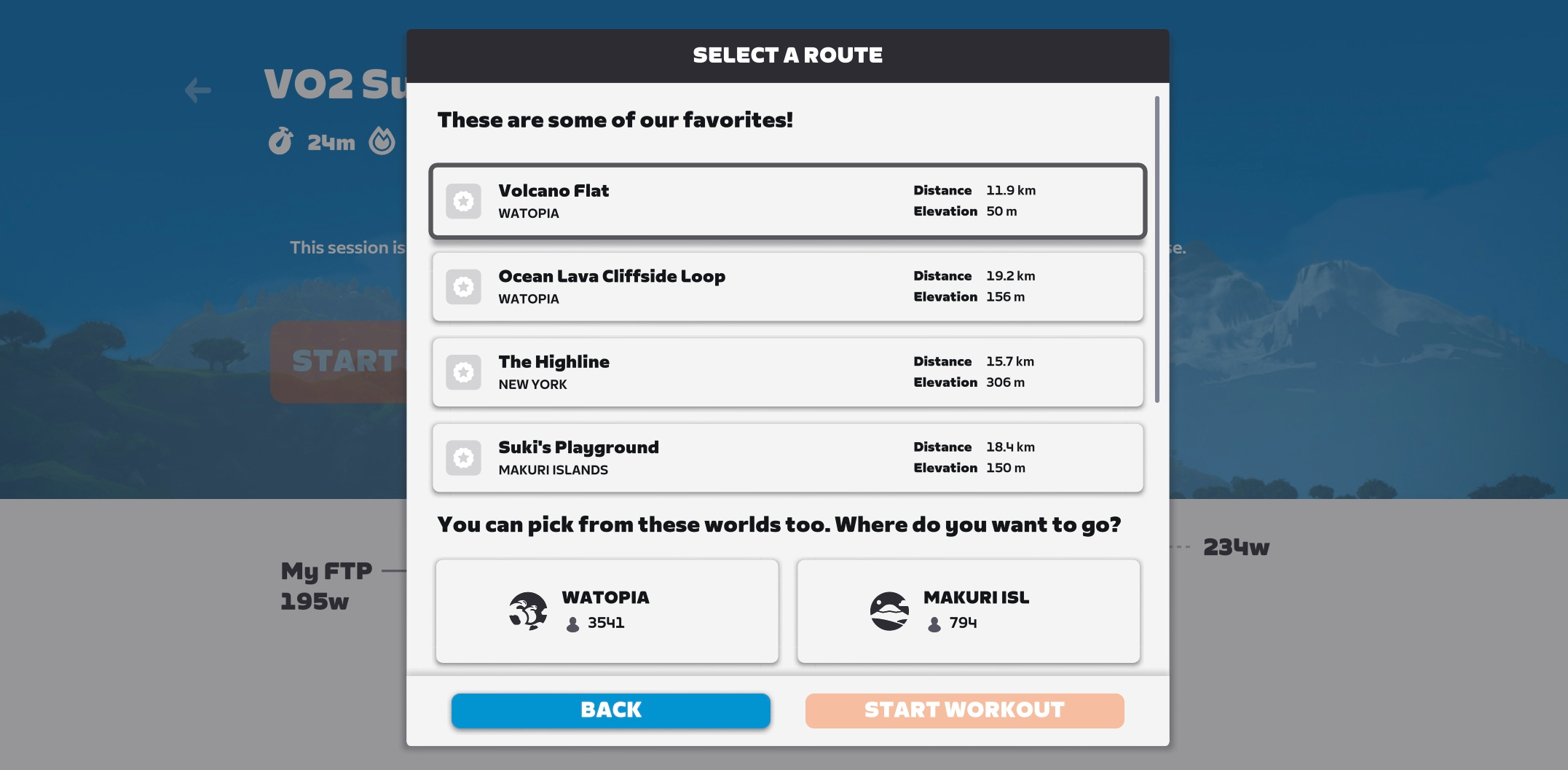
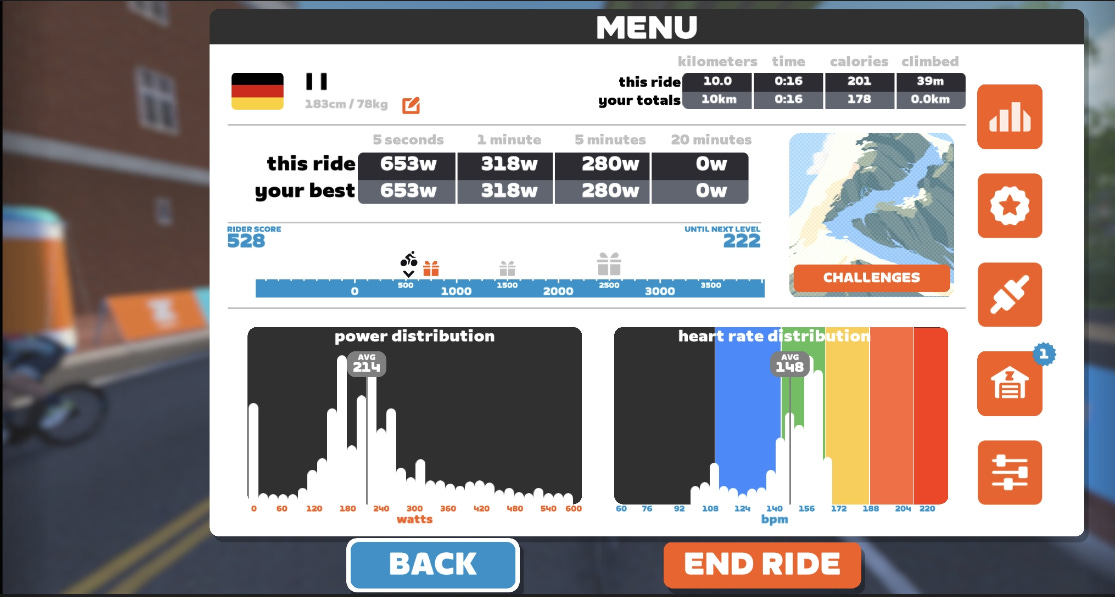
Finish the ride in Zwift
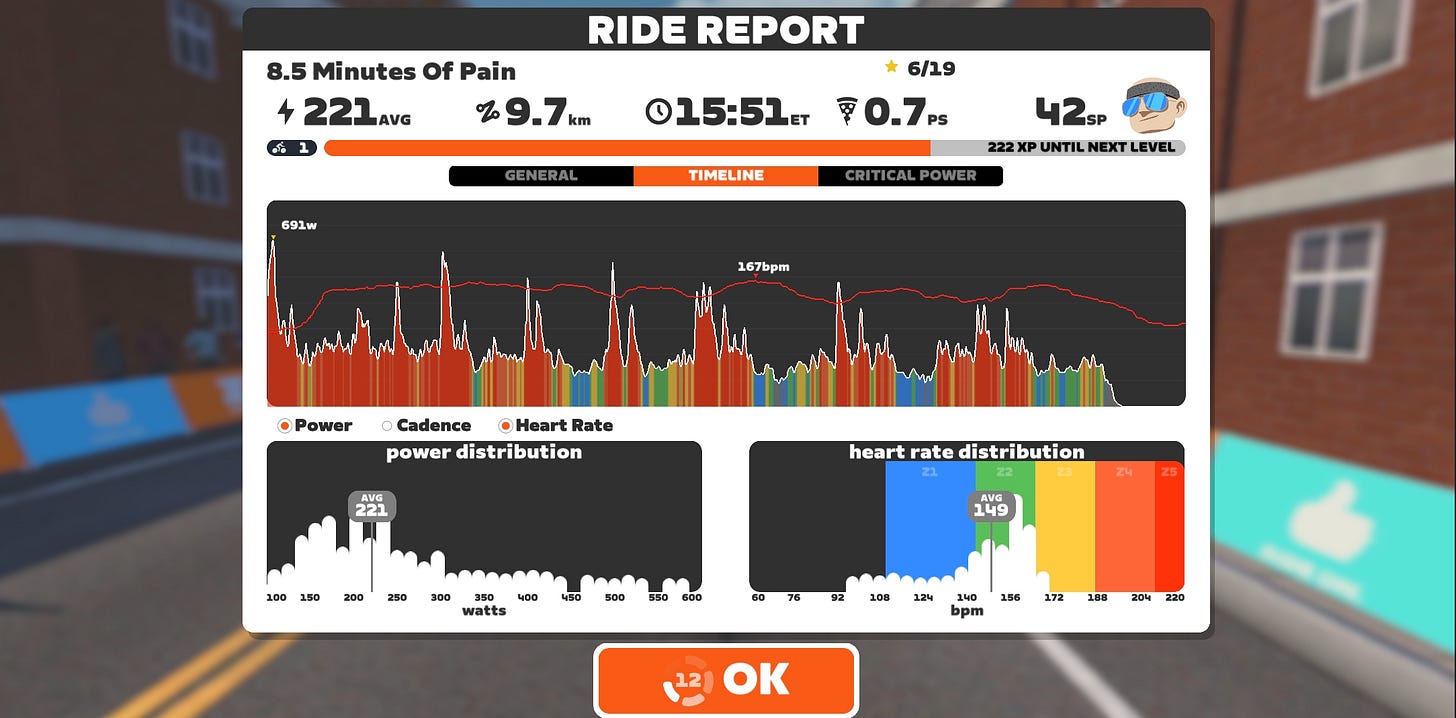
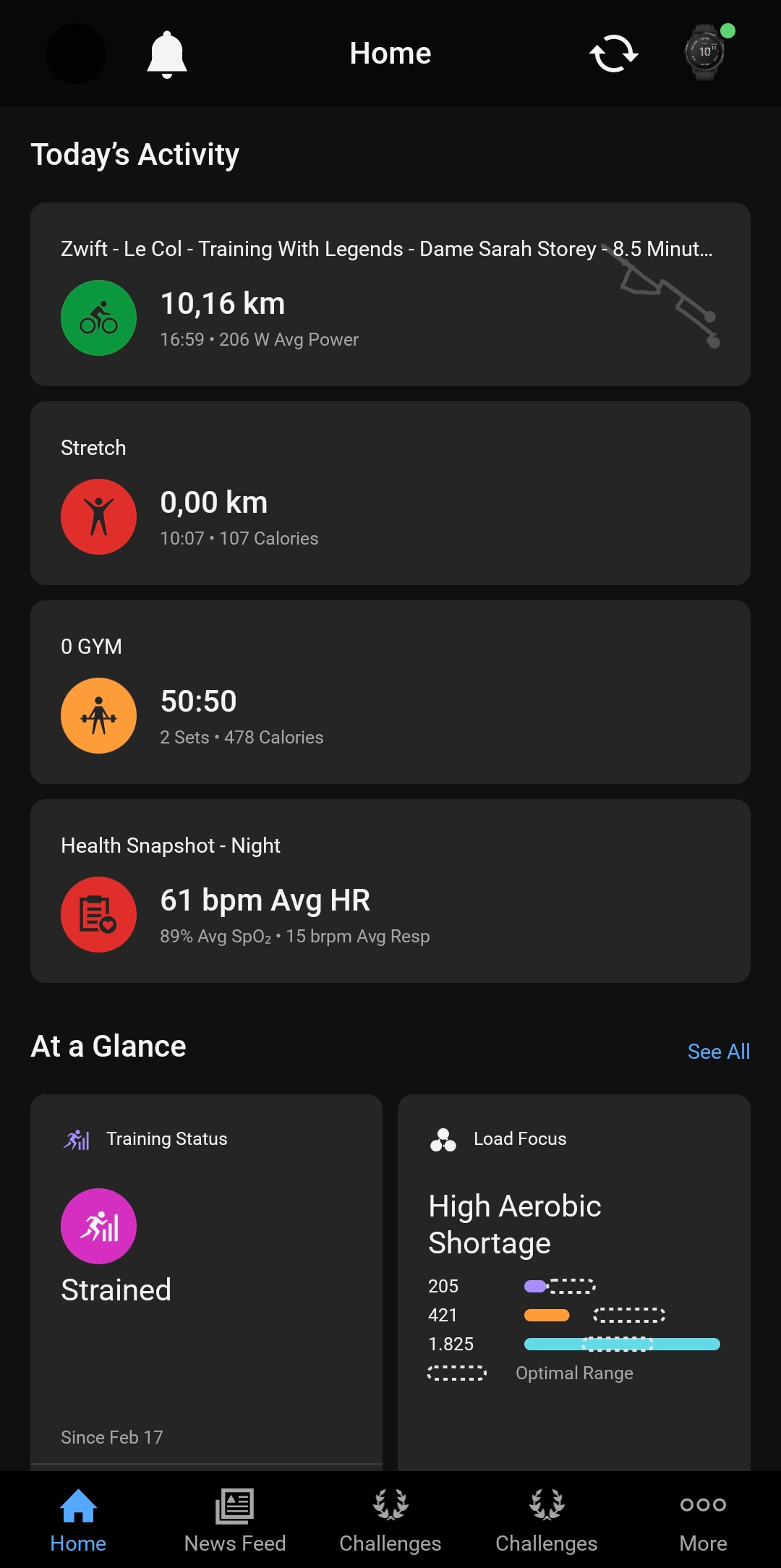
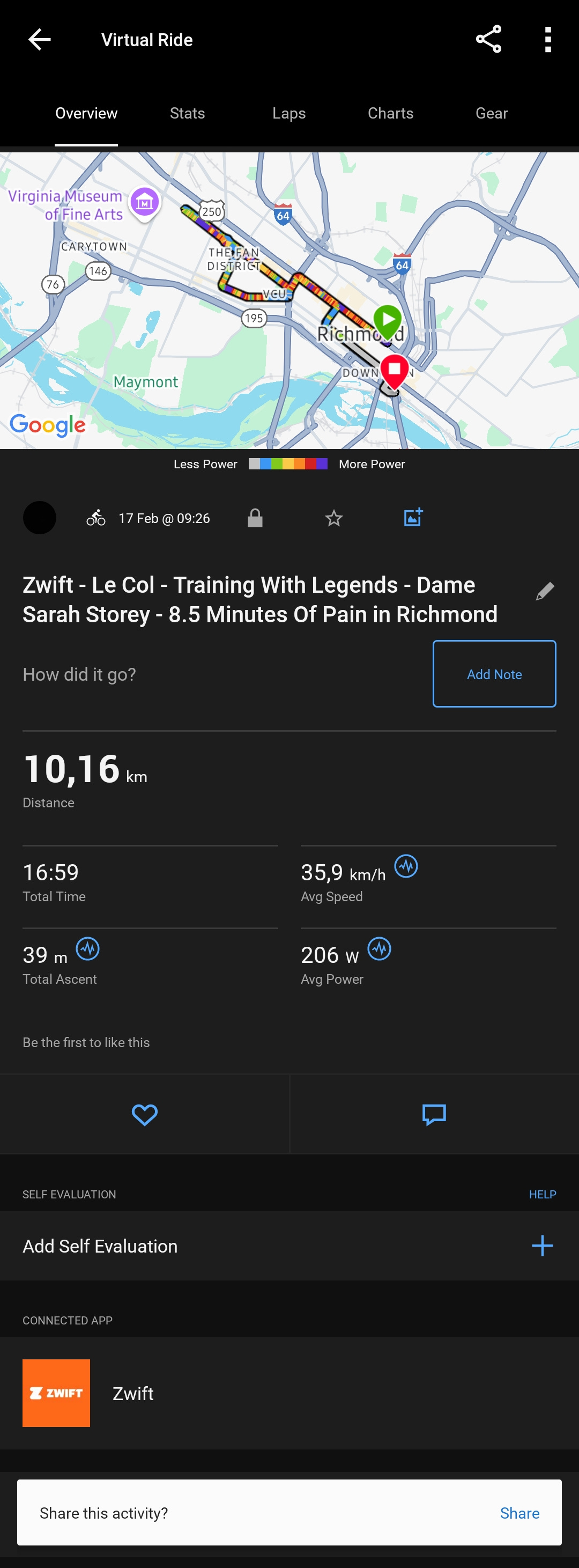
Open Garmin Connect and check the from Zwift imported activity and your Garmin Cycling VO2 Max